
Working with the Audit log
The audit log is a complete, detailed record of every action taken in your case, kept for compliance, security, and oversight purposes.
Accessing the audit log
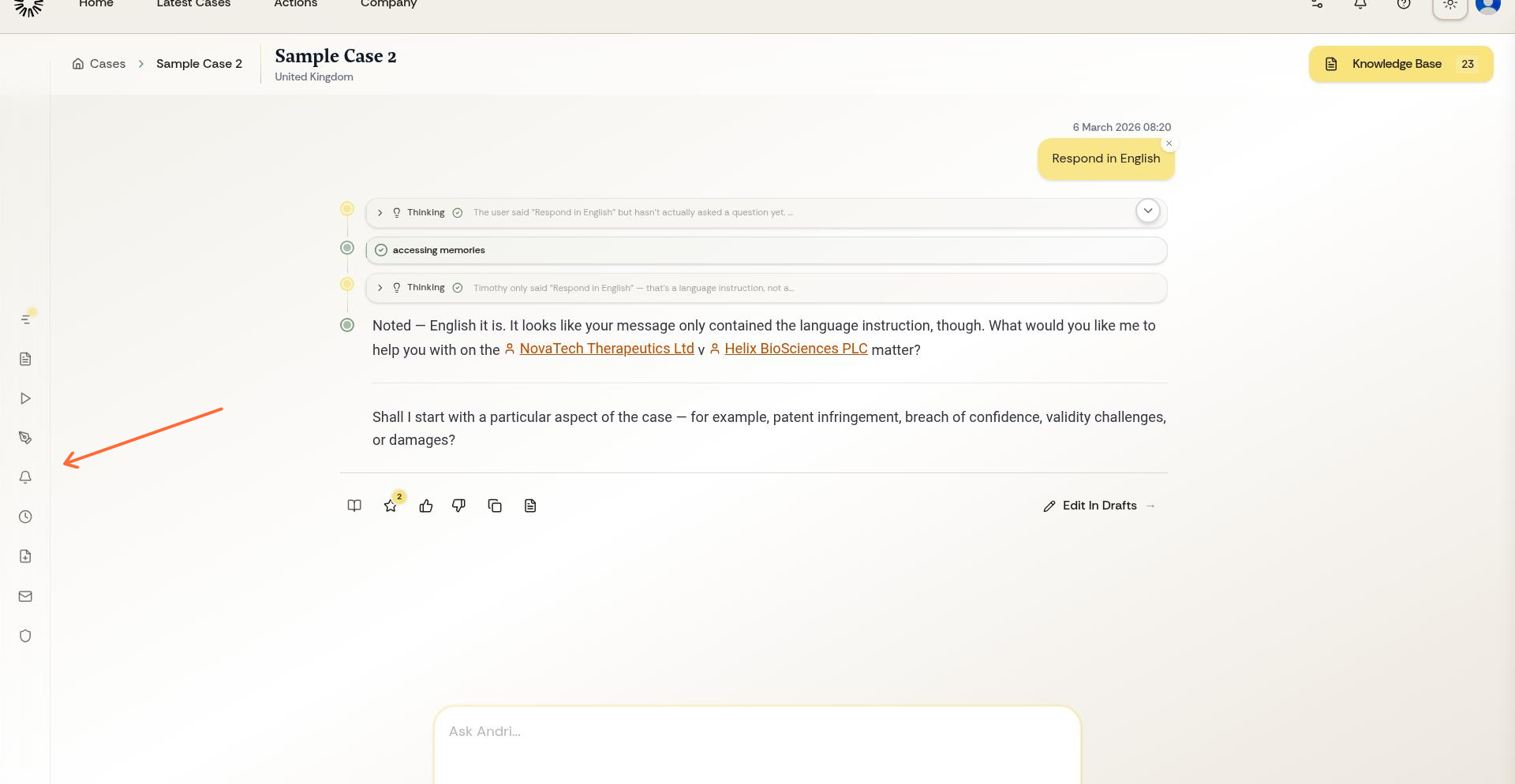
From your case workspace, open the left sidebar menu and select Audit Trail. The page it opens is titled Audit log.
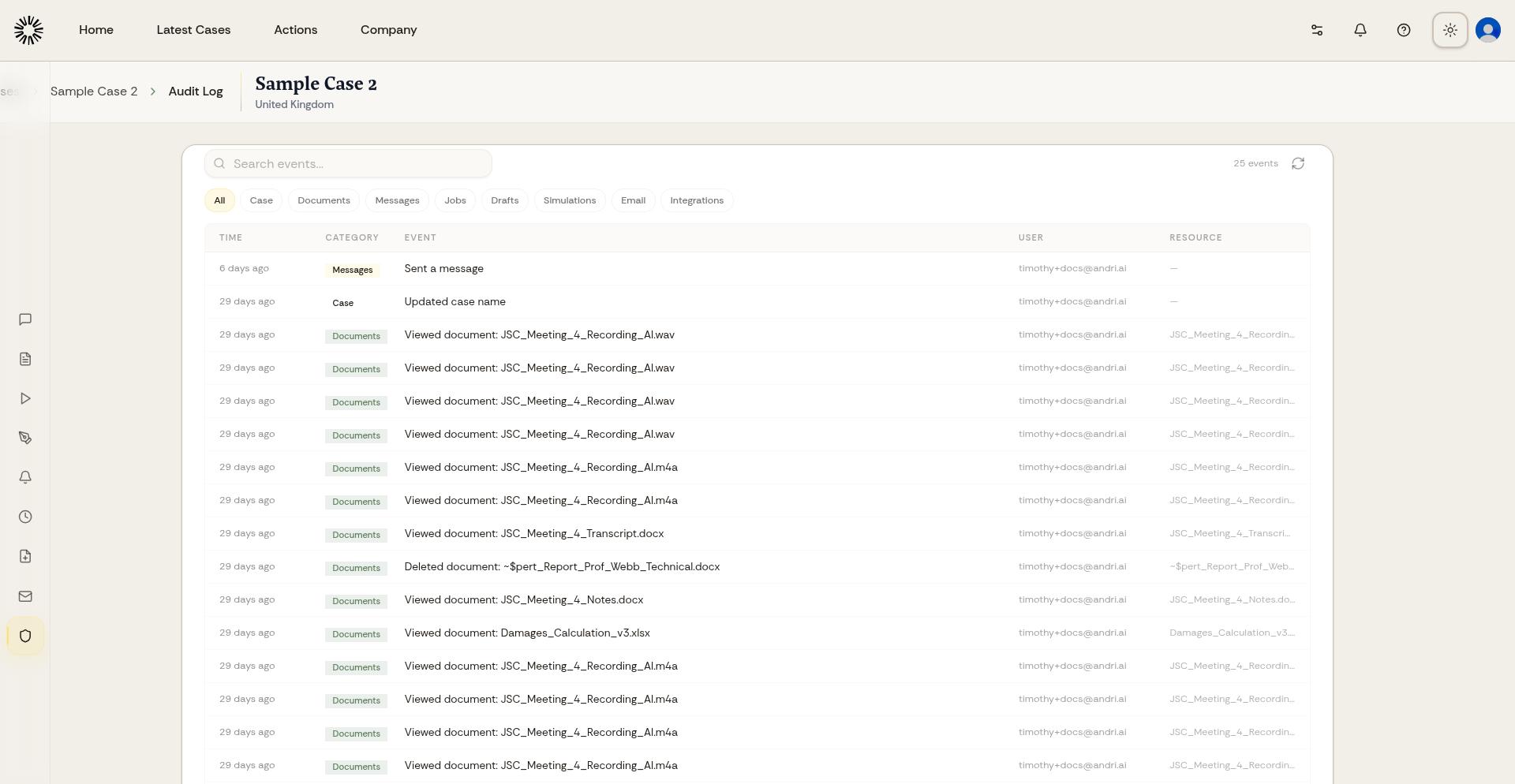
The audit log page displays all logged actions with full details.
What the audit log records
Every entry gives the time, the category, the event, the user who performed it, and the resource it touched.
Entries are grouped into categories: Matter, Documents, Messages, Jobs, Drafts, Reviews, Simulations, Sharing, Transfer, Email, Integrations, Workflows, Reminders, Time entries, Timeline, and Key persons.
Entries cannot be modified or deleted, and they are kept for ten years, so the log stays reliable for compliance, security reviews, and dispute resolution.
Finding a specific event
Filter the list by category to see one kind of activity at a time, or search the events by name. Long lists load in pages, so click Load more to reach older entries.
Using the audit log for oversight
Review the audit log to verify team member actions, investigate security concerns, prepare compliance reports, or track changes to sensitive case information. The detailed logs provide accountability and transparency for all case activity.
For multi-member cases, regularly review the audit log to ensure all actions align with your firm's policies and client expectations.
The company-wide audit log
Your firm has a second audit log covering account-level activity across every matter. Open Company and select Audit log. Company admins see all of it; other members see only the categories open to them.