
Update your billing email address
Your billing email address determines where you receive invoices. You can update it through your subscription settings managed by Stripe.
Update your billing email
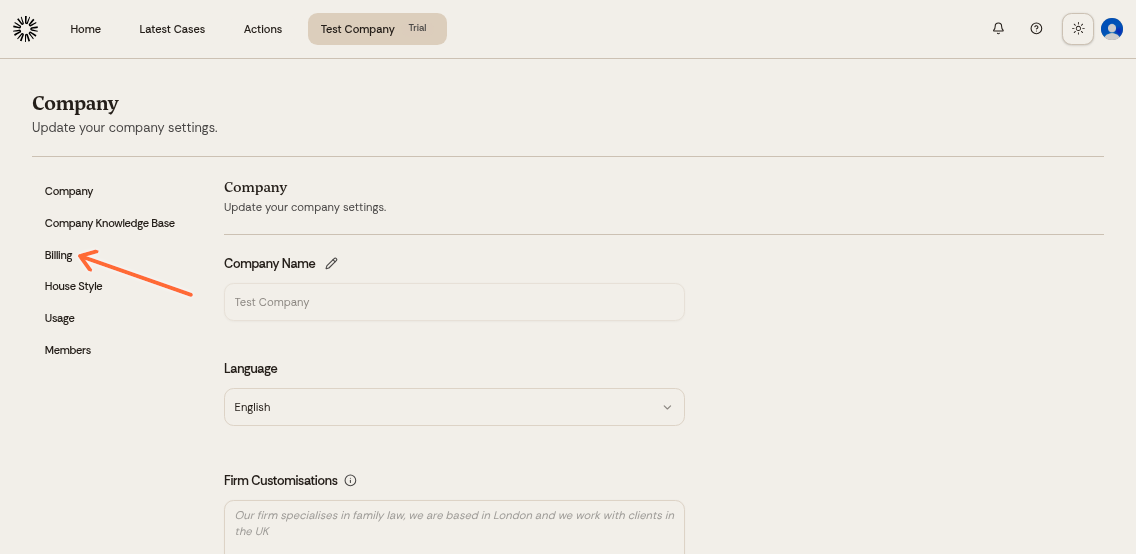
Go to Billing in the left sidebar.
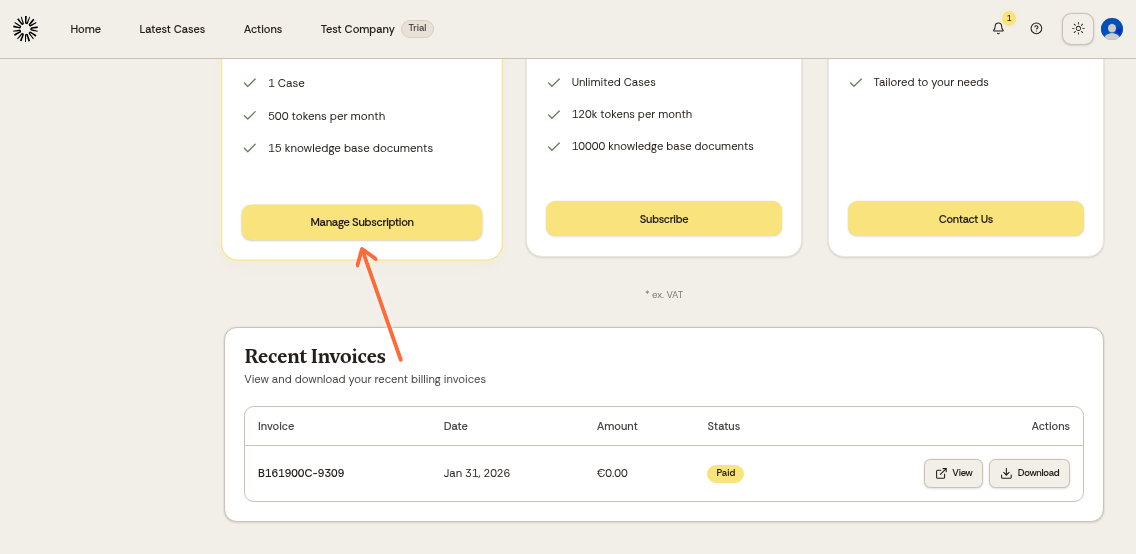
Click Manage Subscription on your current plan card.
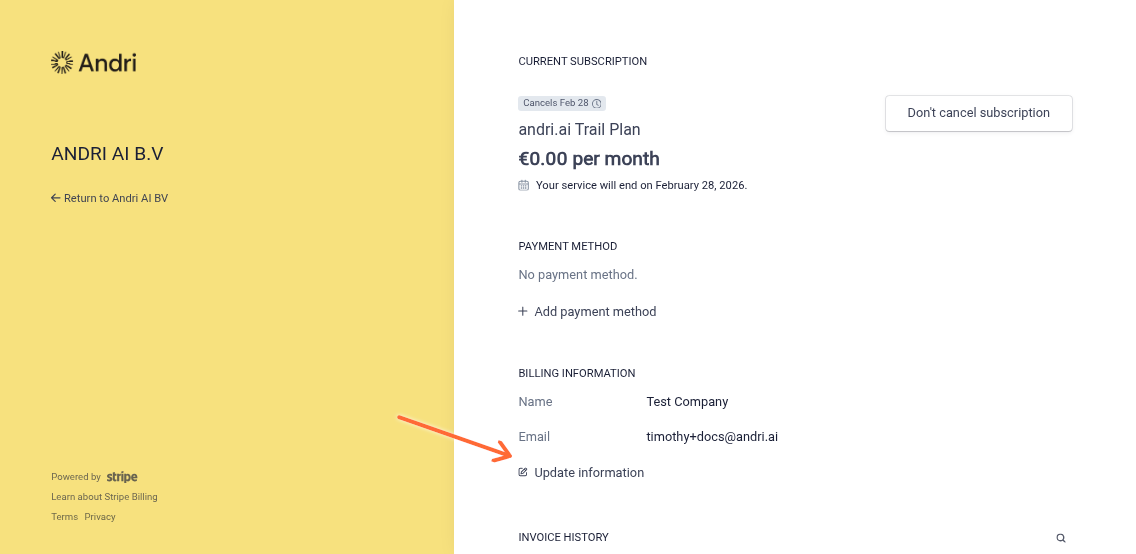
In the Stripe portal, click Update information next to your billing email address.
Enter your new email address and save.
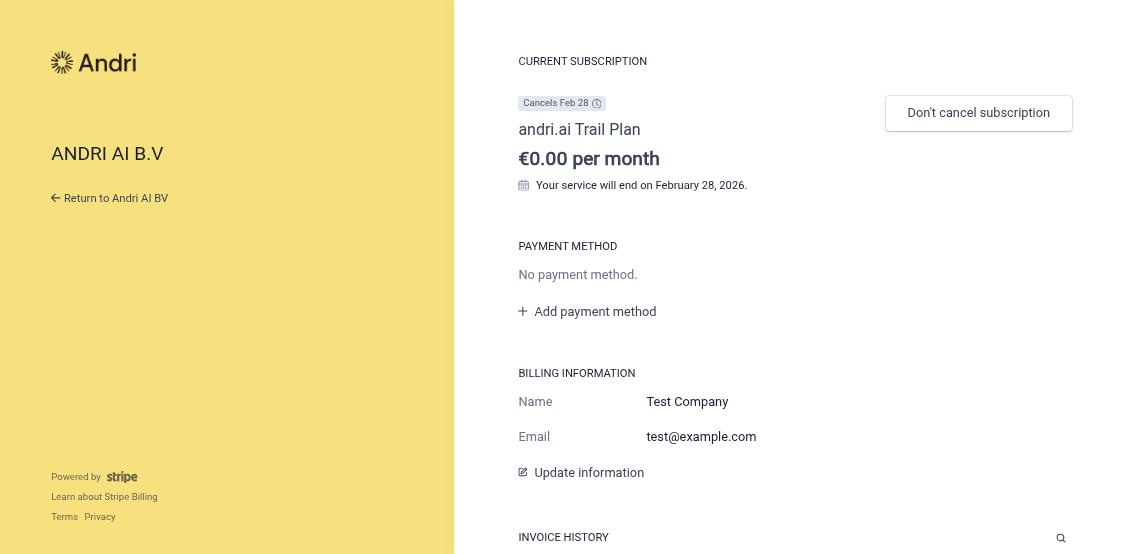
All future invoices will be sent to the new email address.
Was this helpful?
Was this helpful?