
Change language in Andri
You can set Andri's interface language through your company profile. English, Dutch, French, German and Swiss German are available.
Before you begin: You need admin access to change the company language, and you must set up a company first.
Set your language
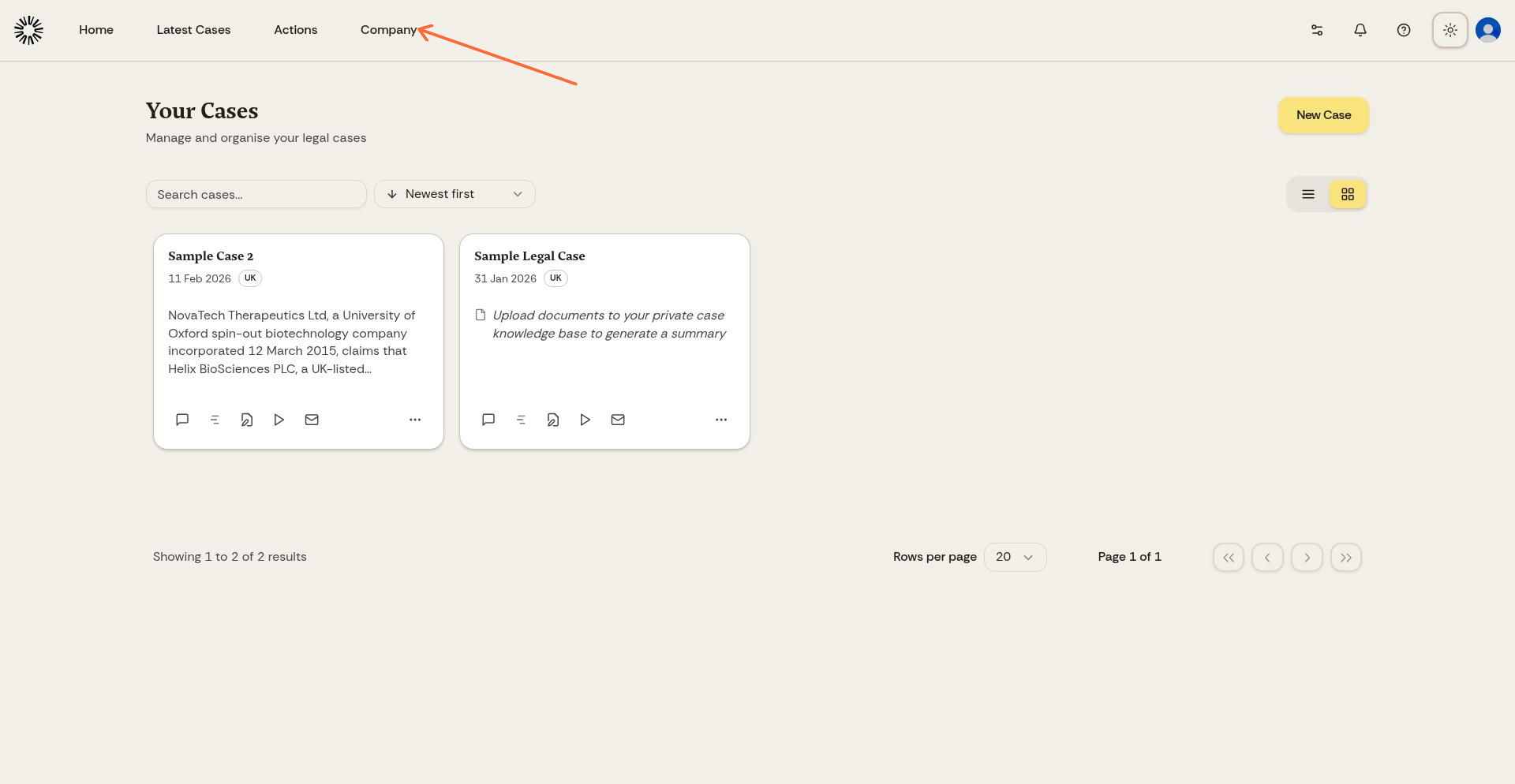
Click "Company" in the top navigation bar to open your company profile.
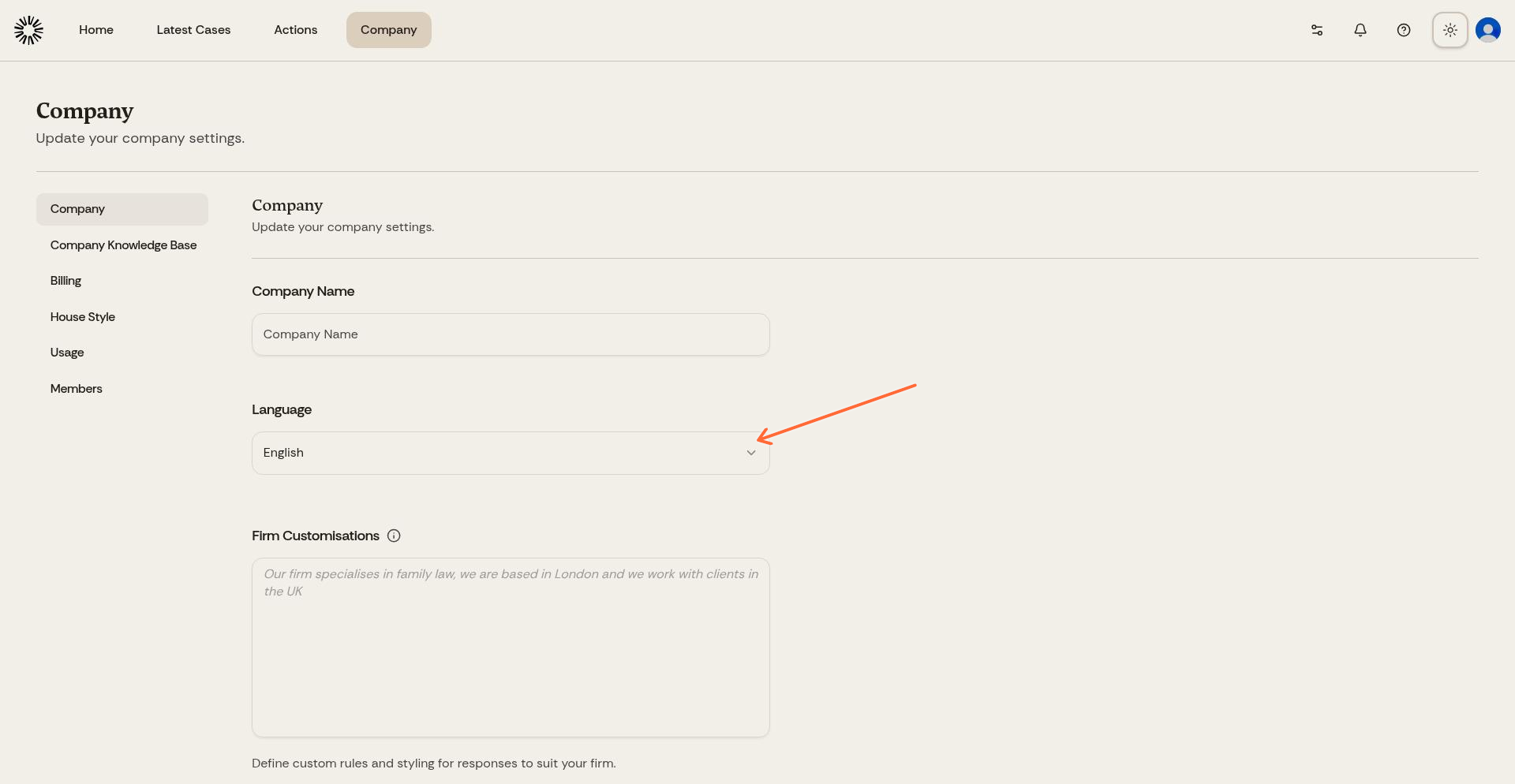
Select your language from the "Language" dropdown. You can choose between English, Dutch, French, German and Swiss German.
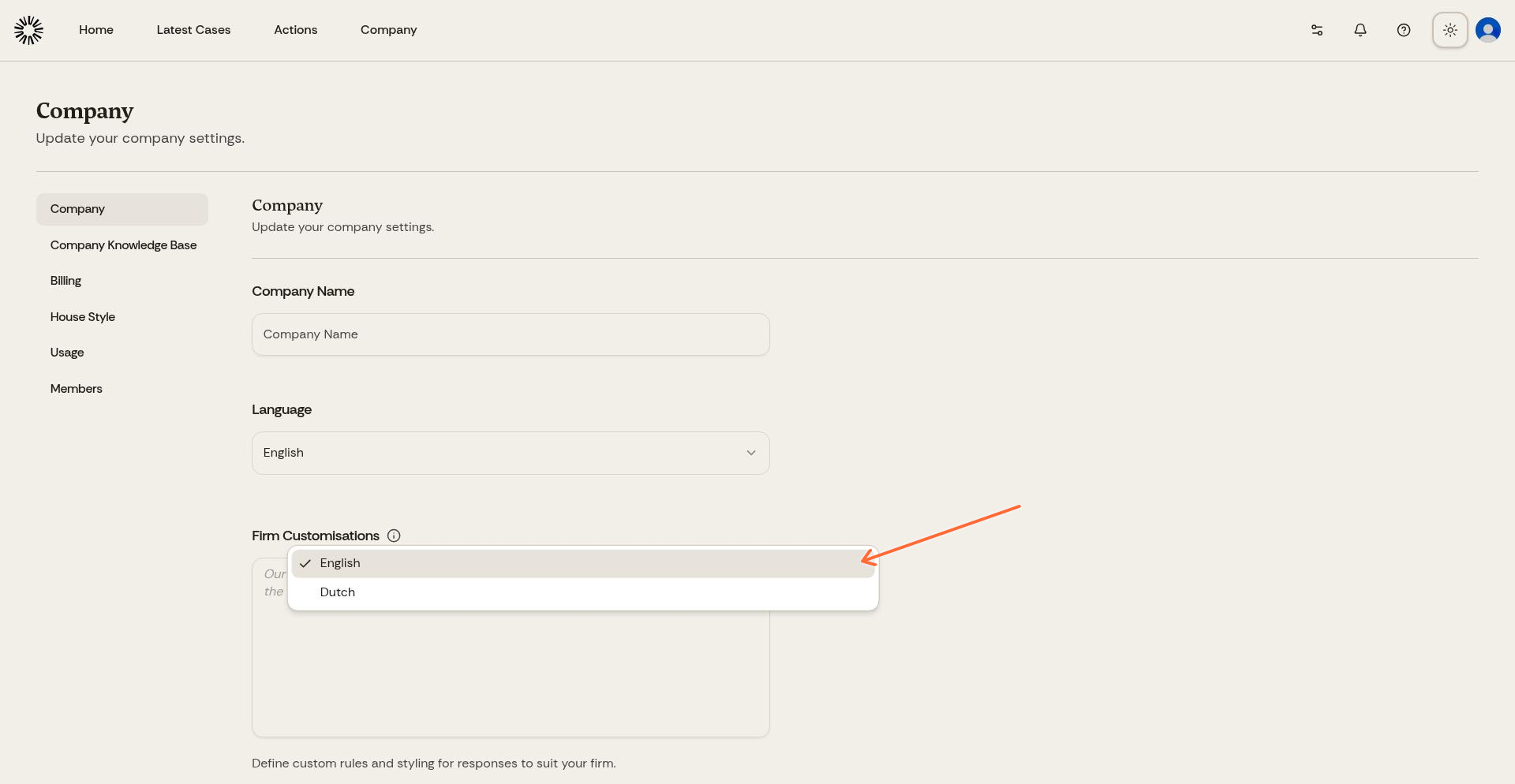
The region you choose when you create your company sets a language for you: United Kingdom selects English, Netherlands selects Dutch and Switzerland selects Swiss German. Belgium is bilingual, so you pick the language yourself. You can change the language at any time afterwards.
Language in cases
Within a case, Andri uses the jurisdiction's language by default. Dutch cases default to Dutch, UK cases default to English. You can ask Andri to respond in a different language by simply typing a request like "Respond in English" or "Antwoord in het Nederlands".
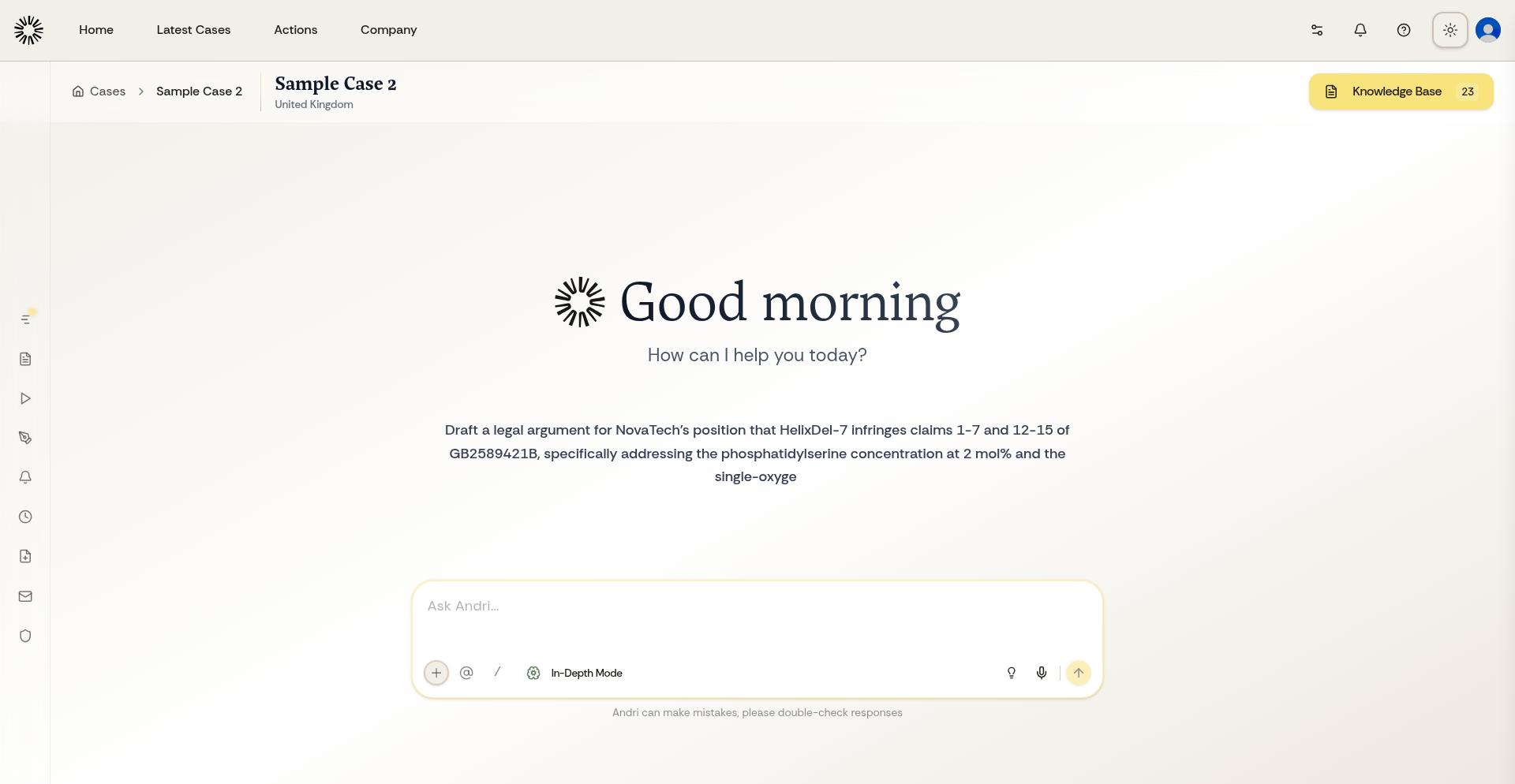
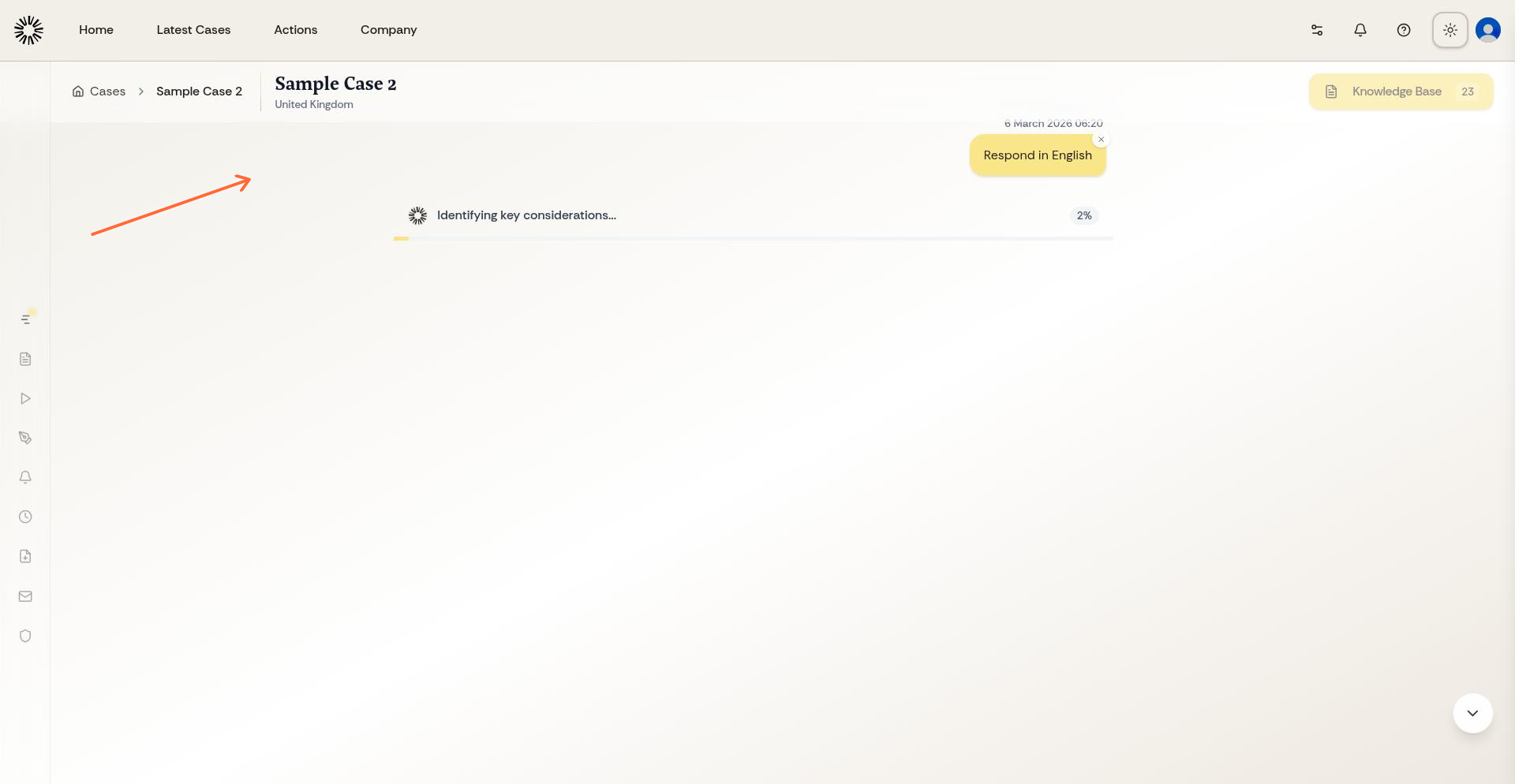
This language switch only applies to that specific conversation within the case. Your overall interface language remains as you've set it.