
Working with Drafts in a case
Use Drafts to create, edit, and download Word documents inside a case.
What you'll need: a case you can access. Drafts works with Word documents.
Open Drafts
Open your case.
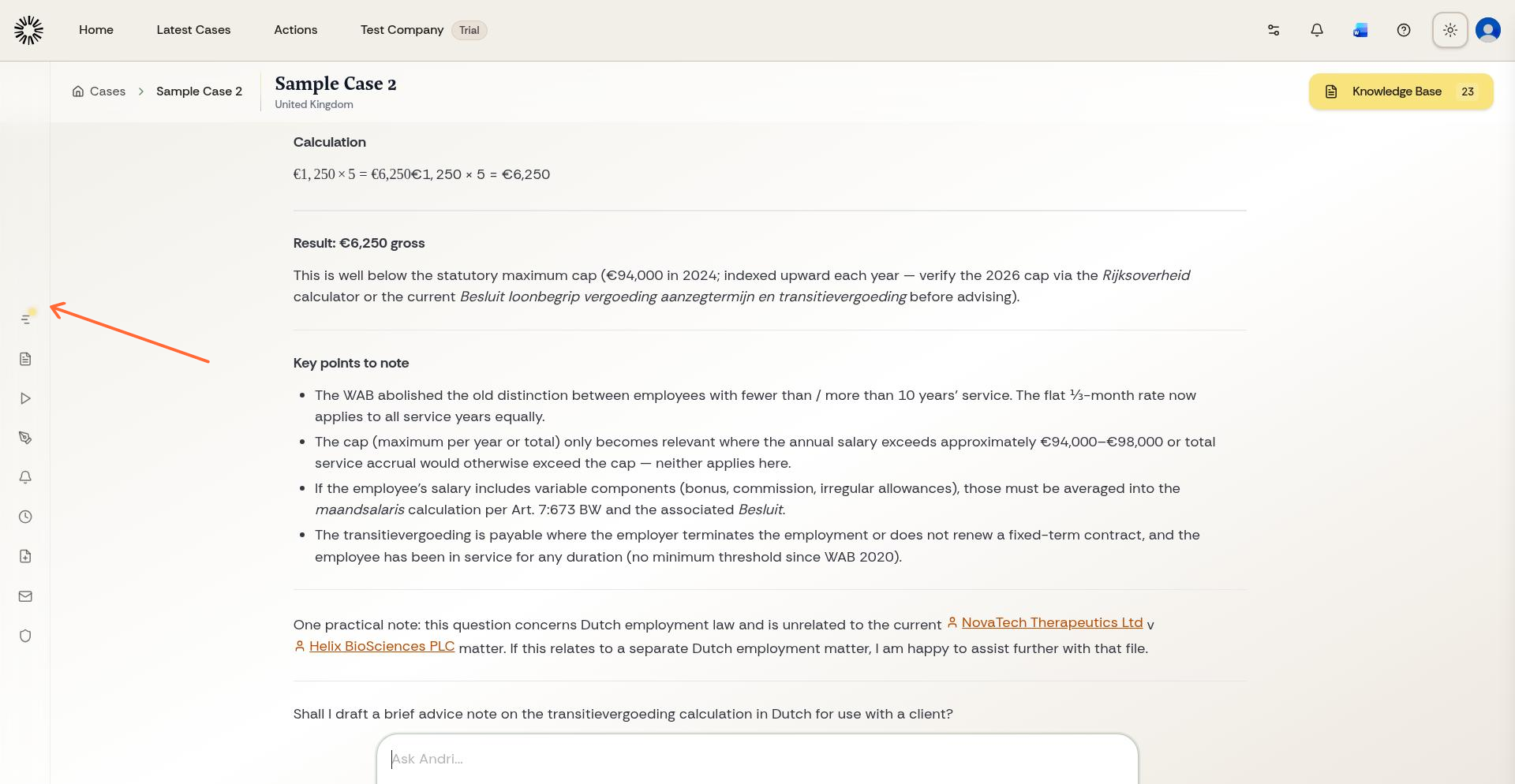
Click Drafts in the left sidebar.
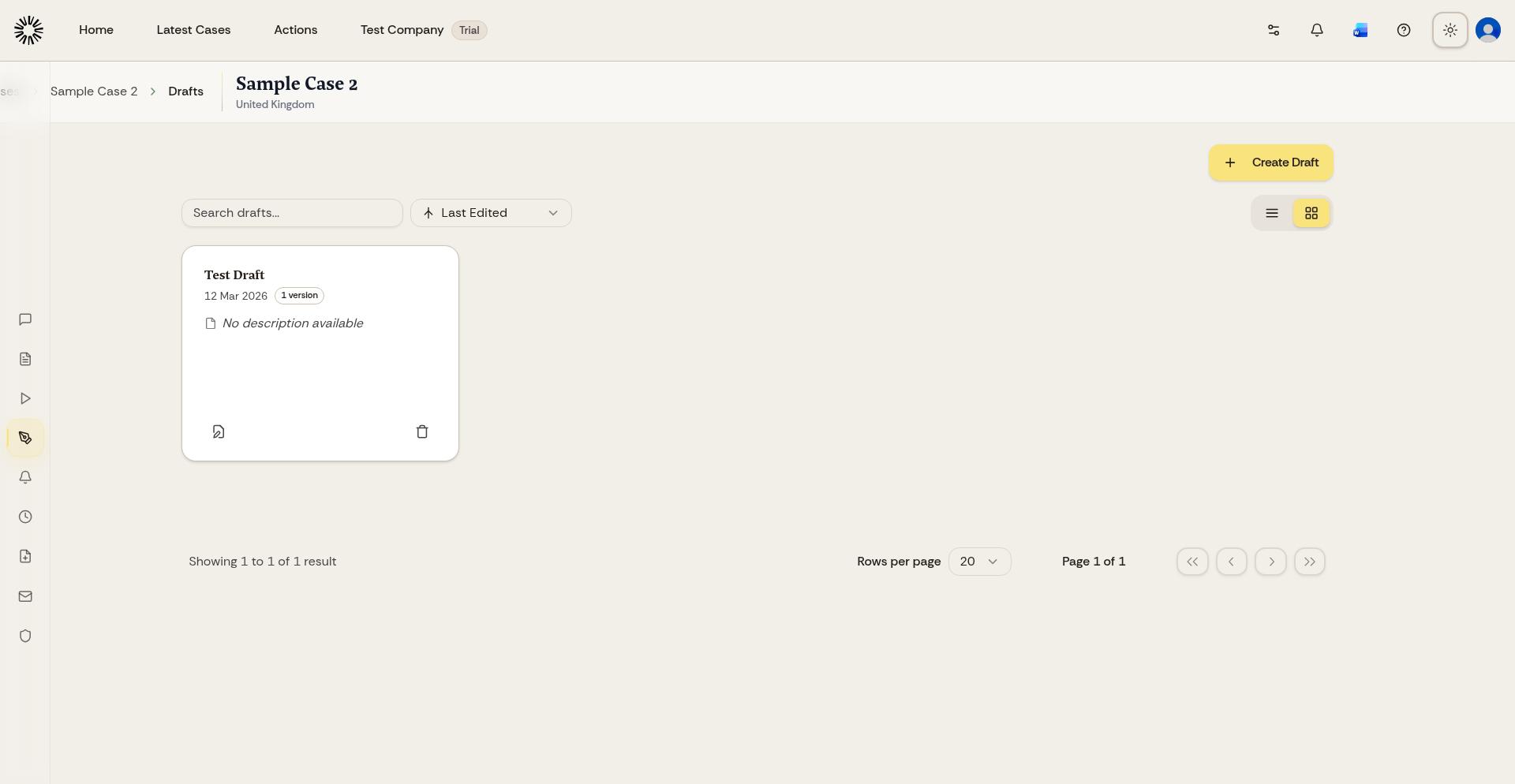
The page has a Web tab for drafts you write in Andri and a Word tab for drafts created in the Andri add-in for Microsoft Word.
Create a draft
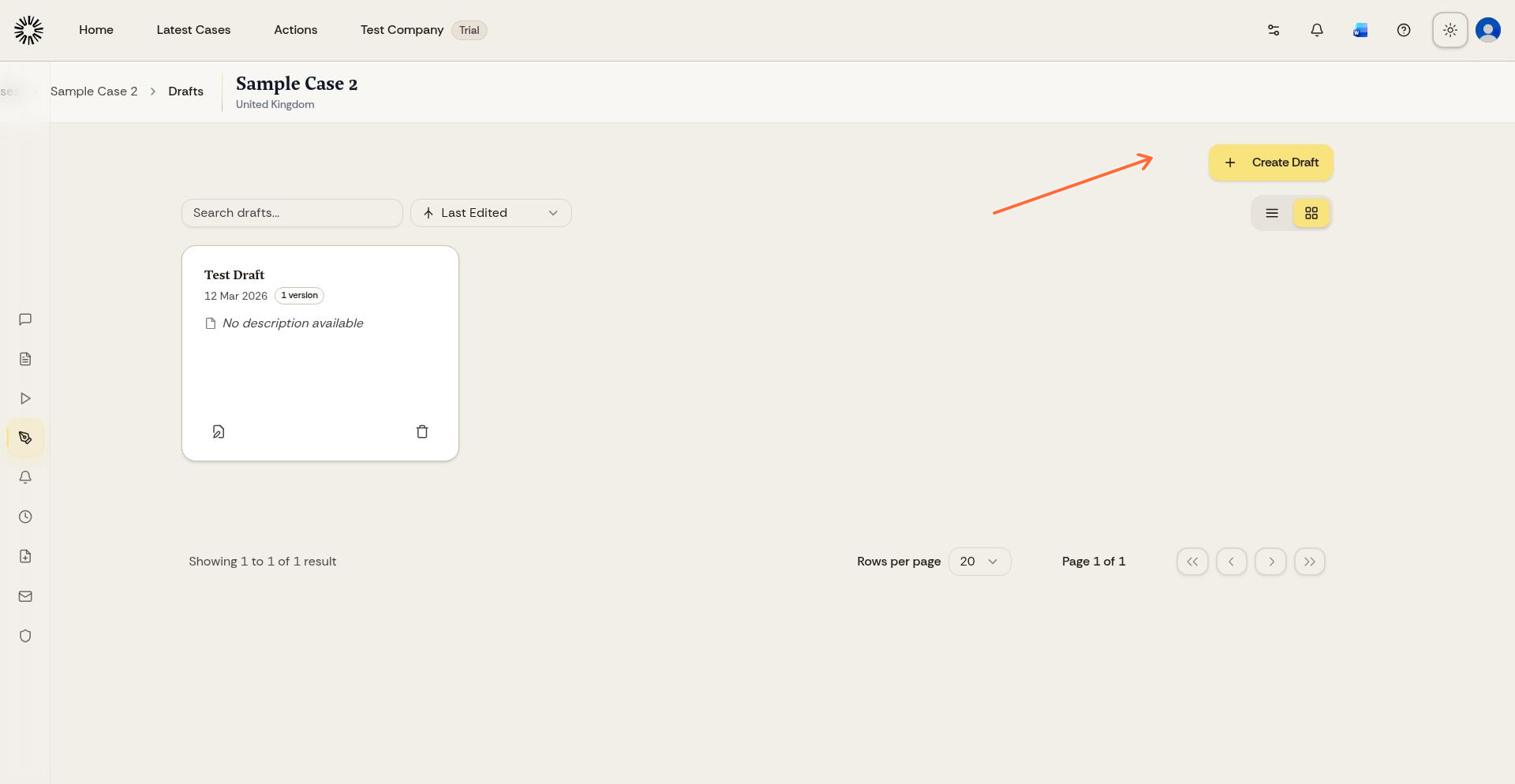
On the Drafts page, click Create Draft. You can start with a blank document or ask Andri to draft something for you.
To carry on from a document you already have, open a draft and click Open. Andri loads the Word file into the editor and saves it as a new version.
Edit the draft
The editor works like a word processor: font family, bold, italic and underline, headings, bullet and numbered lists, alignment, links, tables, images, block quotes, and undo or redo.
Select text to ask Andri for changes based on the selected content and your case context. The floating bar offers Edit with Andri, Summarise and Expand, and lets you highlight the selection in a colour.
Images you paste into a draft must be smaller than 5 MB.
Save your work
Click Save. Drafts are not saved automatically, and nothing you write is stored until you save it.
Each save creates a version. Open Versions to read an earlier version, set it as the current one, or return to the latest.
Download the draft
Download gives you the draft as a plain Word file with no template applied. To put your firm's letterhead on a document, generate it from your letterhead template in case chat instead.
You can also send an AI response from case chat straight into the editor with Edit In Drafts and continue working on it there.
To generate files in the background, see Generating Office files with Tasks. To format documents with your firm's branding, see Adding your firm letterhead.