
Understanding your case email
Each case in Andri has its own email address so you can send documents and messages straight into that case.
Find the case email address
Open your case.
Click Matter Email in the left sidebar.
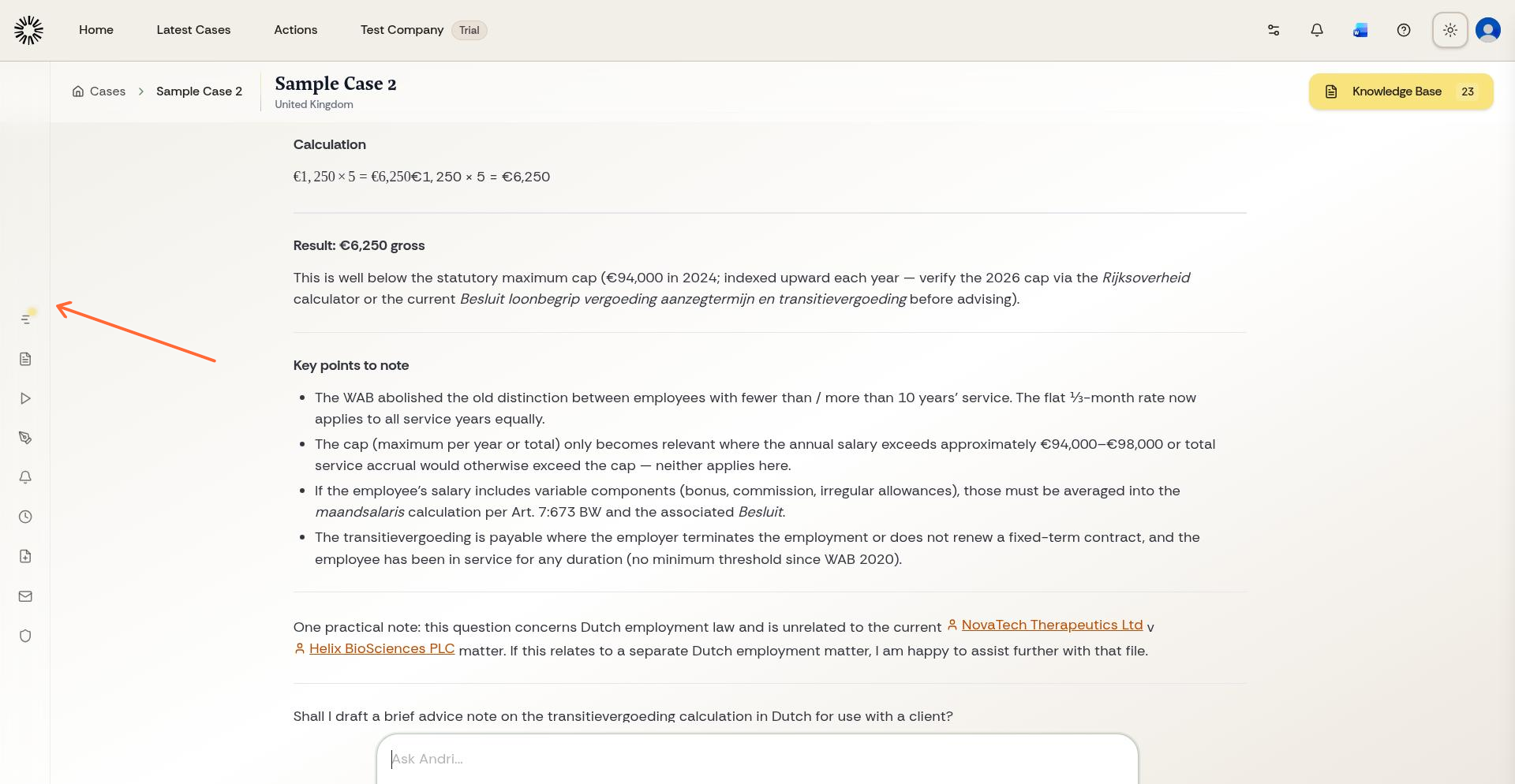
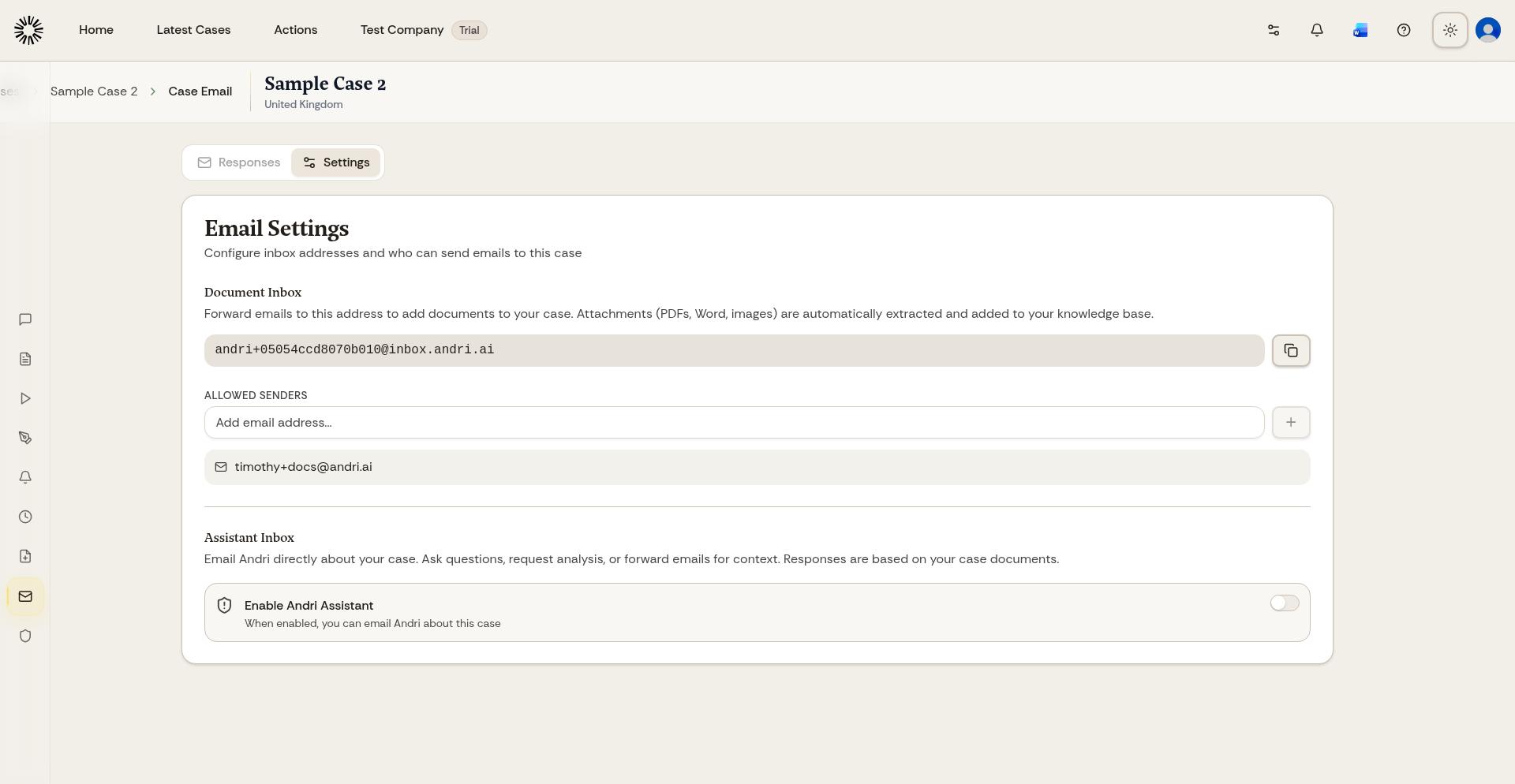
The page shows the unique address for that case. Email into a case is not available for Swiss-hosted matters, and it does not appear for people with Knowledge Base only access.
Send files to the case
Forward an email or attachment to this address. Andri processes the message and its attachments and adds them to the case knowledge base.
Andri replies with a confirmation listing the files it received. Turn that off under Forwarding confirmations in Personalisation if you would rather not have it; the setting covers all of your cases at once.
What you'll need: your email address must be on the allowed senders list for that case.
Allow email addresses
Open the case and click Matter Email.
Under Email Settings, add each approved address to Allowed senders.
Only the case owner can change email settings.
Andri only accepts emails from approved sender addresses. Anyone else gets a rejection notice by return email.
To manage allowed senders, see How to add allowed email addresses. To add files another way, see Uploading files to your case.