
Share a case with your team
Share a case directly from the cases dashboard when you want another team member to work on the same matter.
What you'll need: the teammate must already be part of your Andri workspace before you can add them to a case, and only the case owner can manage sharing.
Share a case from the cases dashboard
Go to the cases dashboard.
Find the case you want to share.
Click the three-dot menu on the case card.
Select Share.
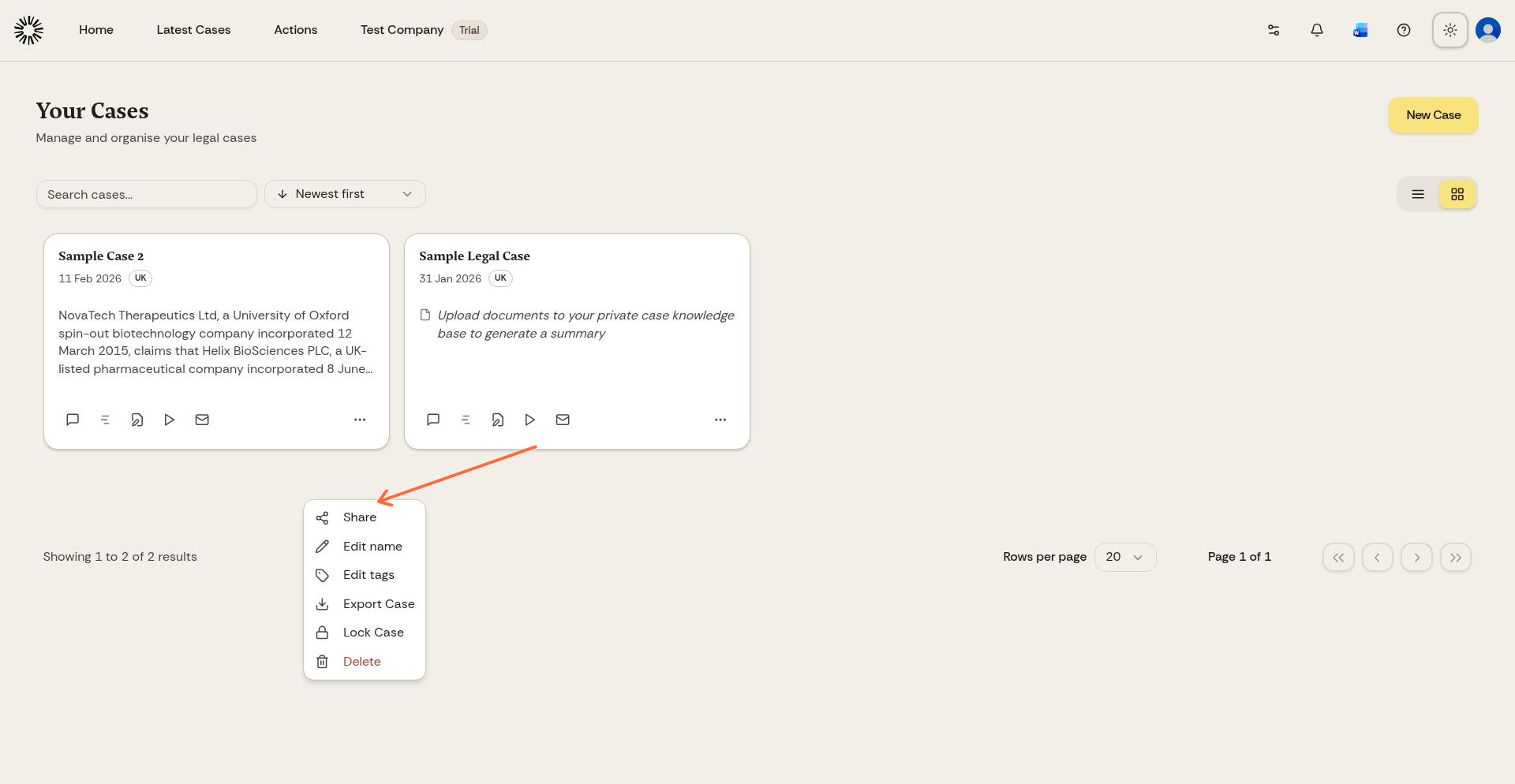
Open the case menu and choose Share.
Add a teammate to the case
After you click Share, Andri opens a sharing window for that case.
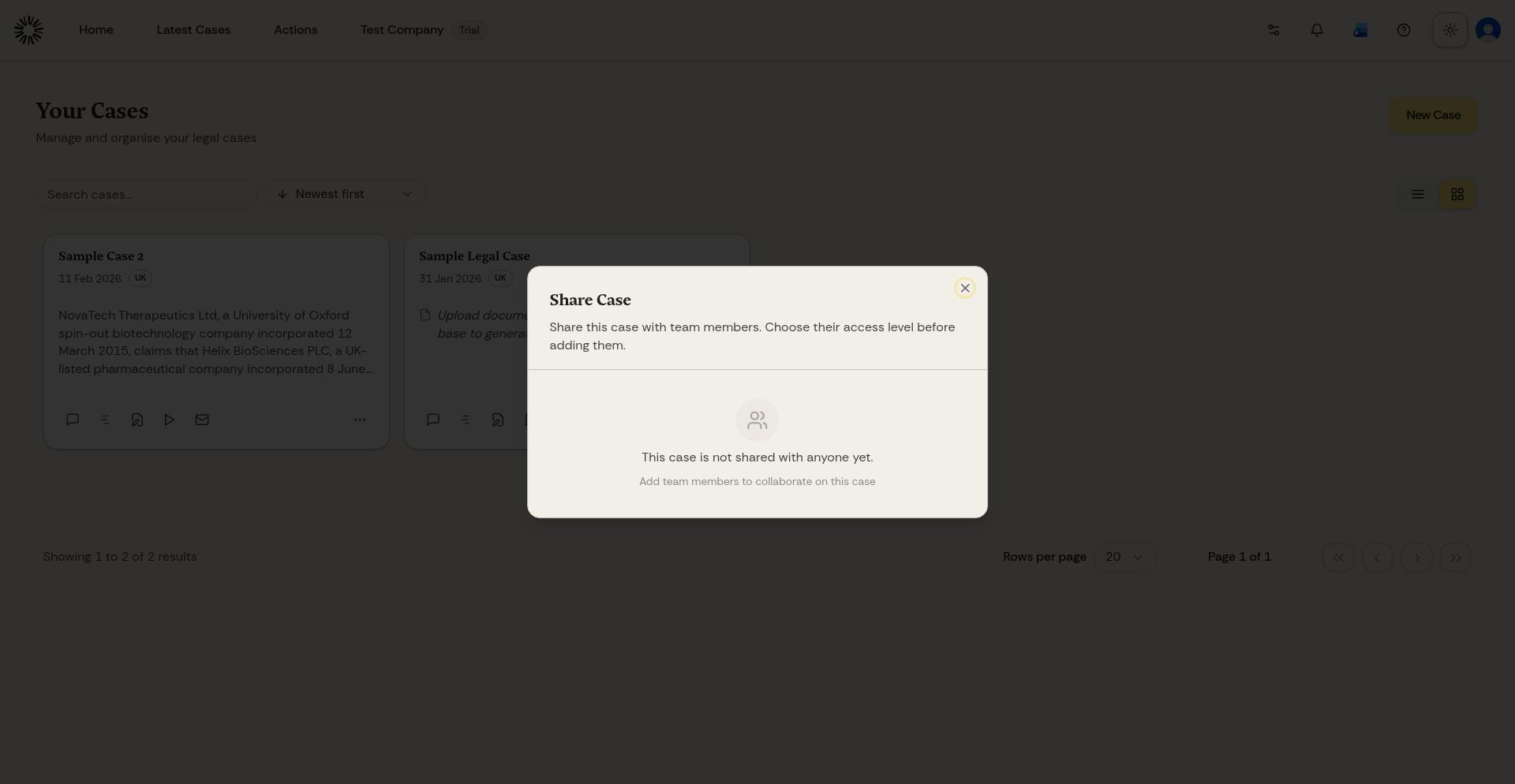
Use the sharing window to add teammates to the case.
Pick the teammate, choose what they are allowed to do, and confirm the change.
Can edit: chat, upload documents, and create drafts.
View only: view chat history and download documents.
Knowledge Base only: upload and download files only. No chat, drafts, or AI access.
A case can be shared with up to five people. Remove someone's access first if you need to add a sixth.
Sharing a case that has connected accounts
If the case is connected to SharePoint, Outlook or Google Workspace, everyone you share it with can ask Andri to search and read those accounts using your credentials, not theirs.
Andri tells you which accounts are connected before the share is created and asks you to type the recipient's email address to confirm. Two-factor authentication on your own account is required, so set it up before you share a case like this.
Before you share a case
If the person is not yet part of your workspace, invite them first. See Inviting team members in Andri.