
Searching case law
The Latest Cases feature gives you instant access to recent court decisions and precedents. Search by keyword to find relevant case law for your research. For legislation, ask Andri in a case chat instead.
Which legal sources does Andri search? lists the courts and registers behind the results.
Accessing Latest Cases
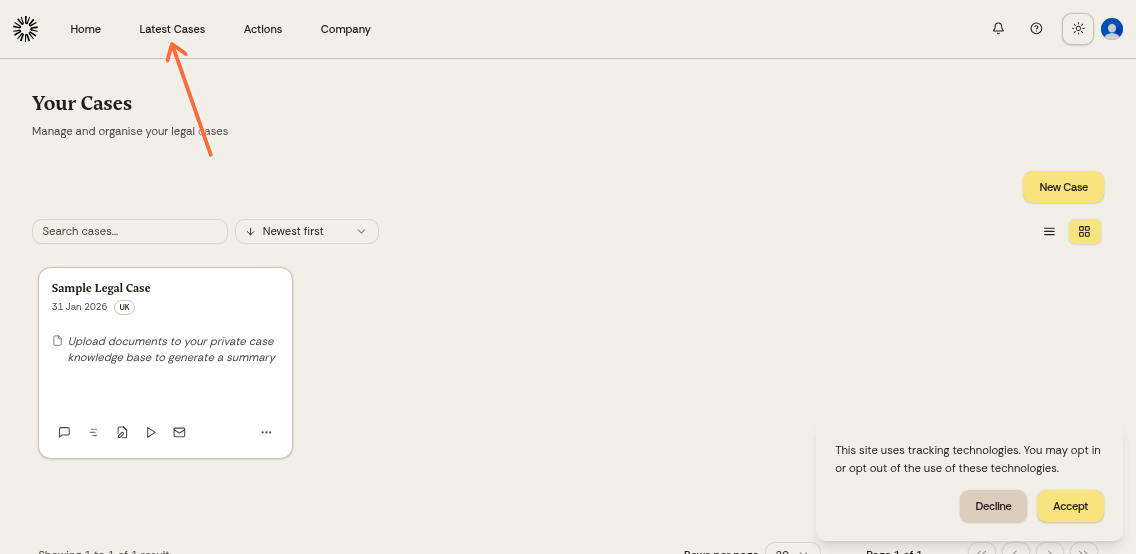
Click "Latest Cases" in the top navigation menu to open the case law database.
Browsing recent cases
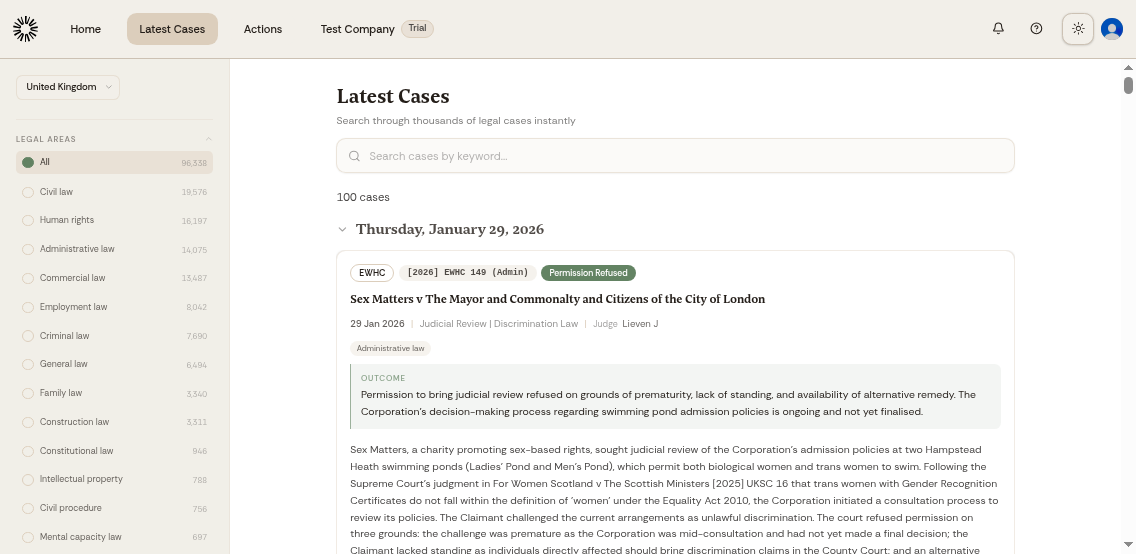
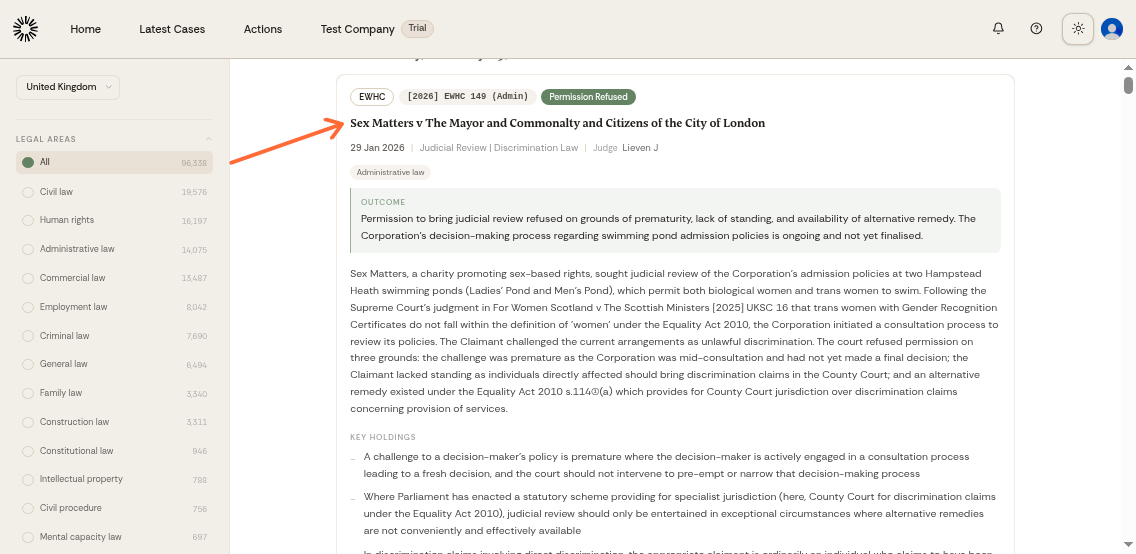
The Latest Cases page displays recently published legal cases, organized chronologically. Each entry shows the case name, date, court, and jurisdiction tags.
Searching for specific cases
Use the search bar at the top to find cases by keyword, case name, legal topic, or court. Type your search term and press Enter.
The sidebar narrows the list further by country, court, legal area, judge, and counsel. Clear all filters resets them in one click.
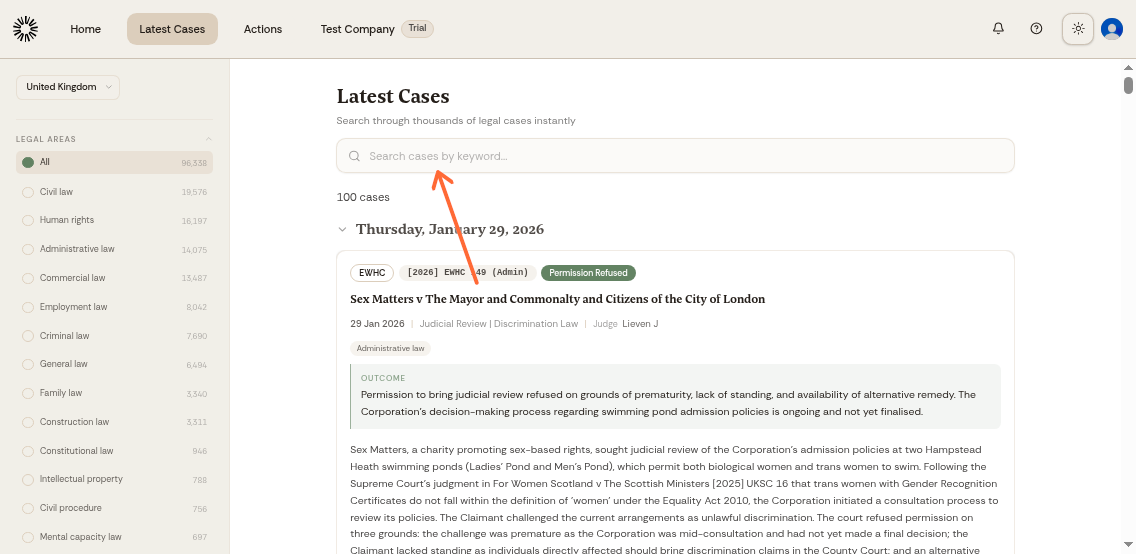
Search by legal concepts (e.g., "contract law"), case names, or specific courts to narrow your results.
Viewing case details
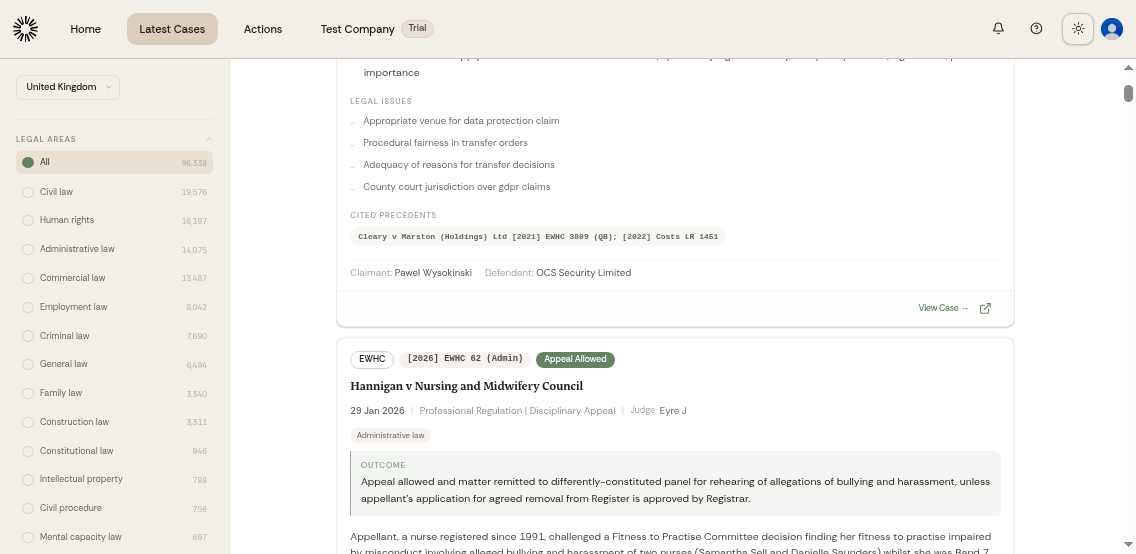
Click Show more on a case to expand it in place and read the summary, the precedents it cites, and the parties. Each case entry includes court information, decision date, and relevant jurisdiction tags.
View Case opens the full judgment on the publishing court's own site.
Sending judgments to a tabular review
Select the judgments you need in the list and click Add to tabular review to analyse them together in a tabular review.
Latest Cases updates automatically with new published cases, keeping your research current with recent legal developments.