
Creating your first case
A case in Andri is a workspace where you organize documents, evidence, and information for a specific legal matter.
Before creating cases, make sure you've set up your company and activated your subscription. Only 1 case is allowed in the free trial.
Create a new case
From your homepage, click the New Matter button in the top right corner.
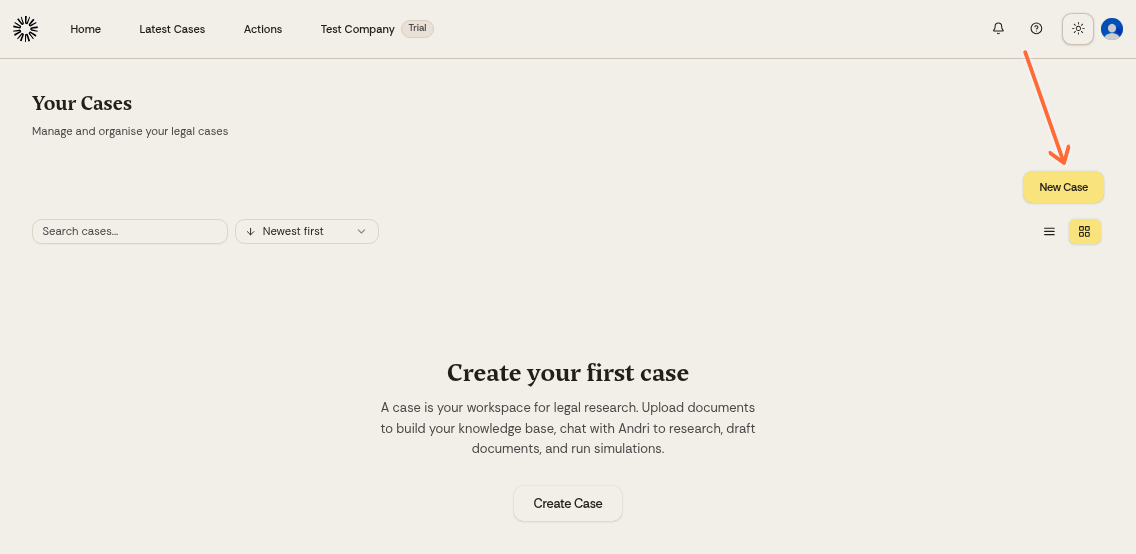
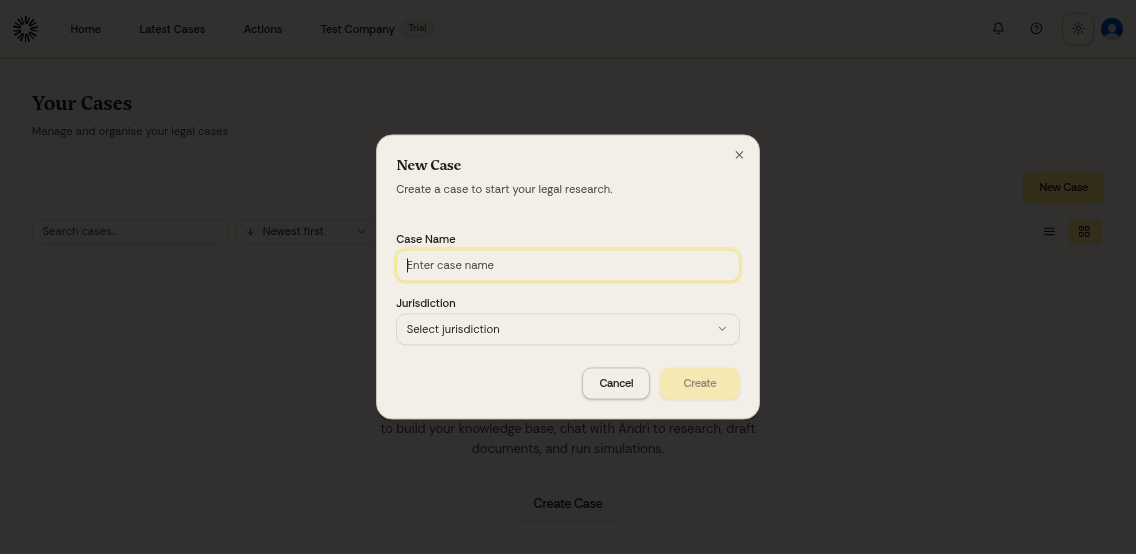
Enter a name for your case, select a jurisdiction, and click Create.
Make sure you select the right jurisdiction for your case, as this affects how Andri interprets legal questions and references. The United Kingdom and the Netherlands are available to every firm, and Switzerland is available to firms set up for it.
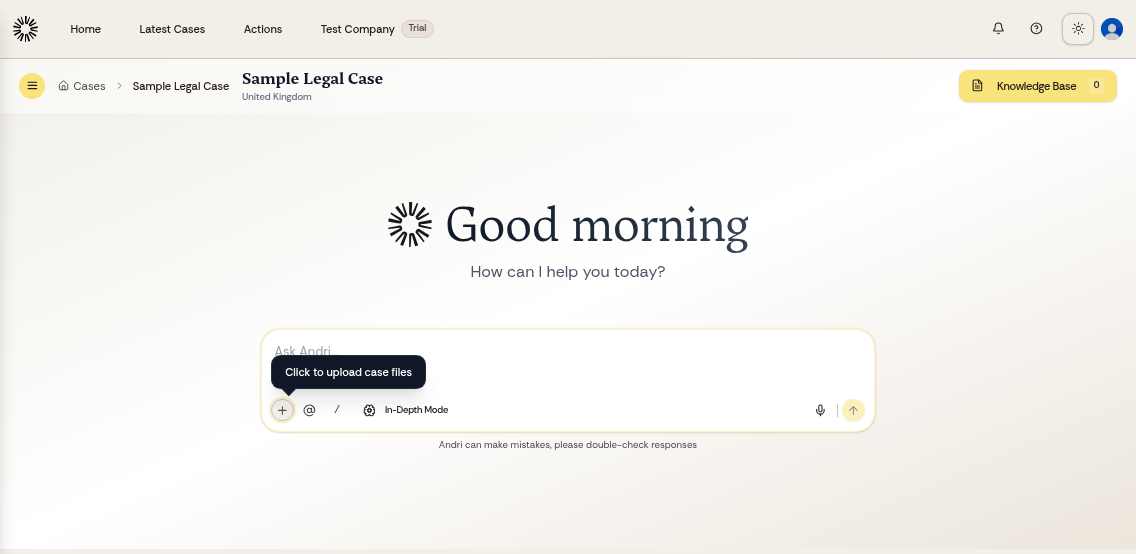
Your case is now ready. You'll see an empty workspace where you can start adding documents.
Next steps
You now have an empty case where you can ask general research questions. Most work in Andri is case-specific, using the documents you upload.
You can upload files directly or send documents to your case's unique email address. Andri supports PDF, Word, PowerPoint, Excel, RTF, images, email, audio, video, ZIP and XAF files.
Most files can be up to 200 MB each, PDFs up to 2 GB, and audio, video, ZIP and XAF files up to 1 GB.