
Where can I view my invoices?
You can view all your invoices in the billing section of your company settings.
Only users with admin permissions can access the billing section and view invoices.
To access your invoices
Navigate to [Your Company Name] > Billing in your Andri dashboard
Scroll down to the Recent Invoices section
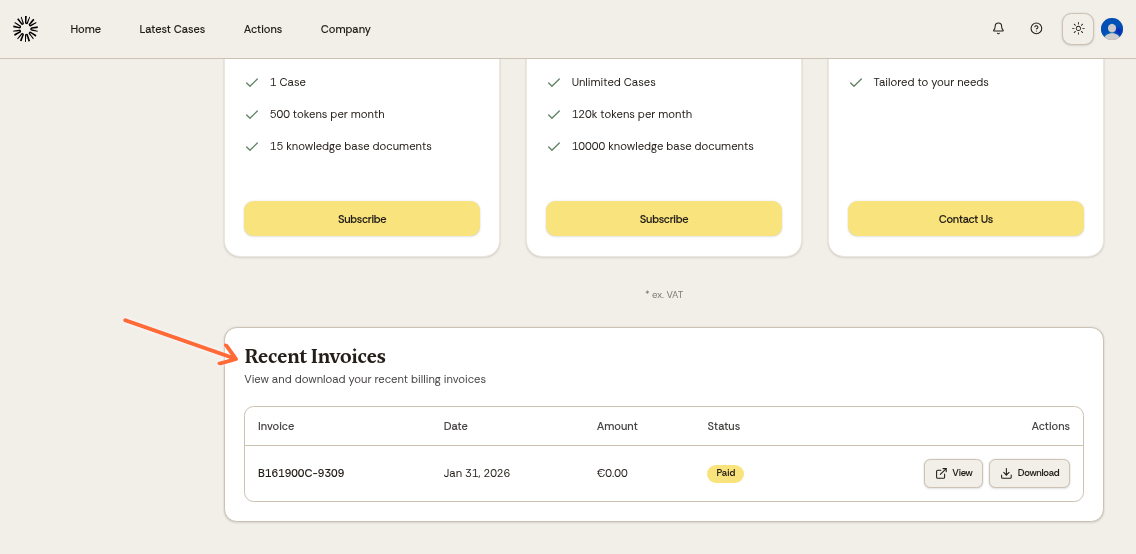
In the Recent Invoices section, you'll see a list of all your invoices with their date, amount, and status.
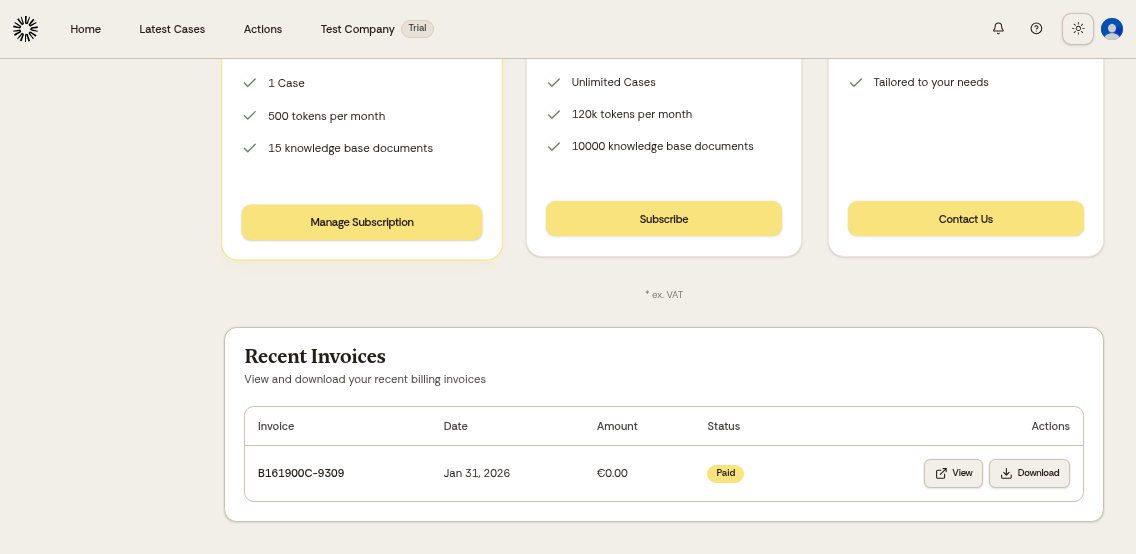
Click on any invoice to view details or download a PDF copy.
Invoices are automatically generated when your subscription renews each billing period.
For questions about invoices or billing, contact our finance department at [email protected].
Was this helpful?
Was this helpful?