
Generating Office files with Jobs
Ask Andri in the case chat to generate Word, Excel, PowerPoint and PDF files, or an interactive report. Andri builds them in the background while you keep working, and they appear under Jobs.
What you'll need: a case with the relevant documents already added to its knowledge base.
Request a file
In case chat, describe what you need and name the file type, so Andri produces the format you want.
Create an Excel file with precise amounts per creditor. Also provide a general financial overview.Andri starts the task in the background and notifies you when the file is ready.
Check progress
Jobs collects every file Andri is generating for the case.
Open your case.
Click Jobs in the left sidebar. In the case chat, the Jobs list opens beside the conversation; on other case pages it opens the Jobs page.
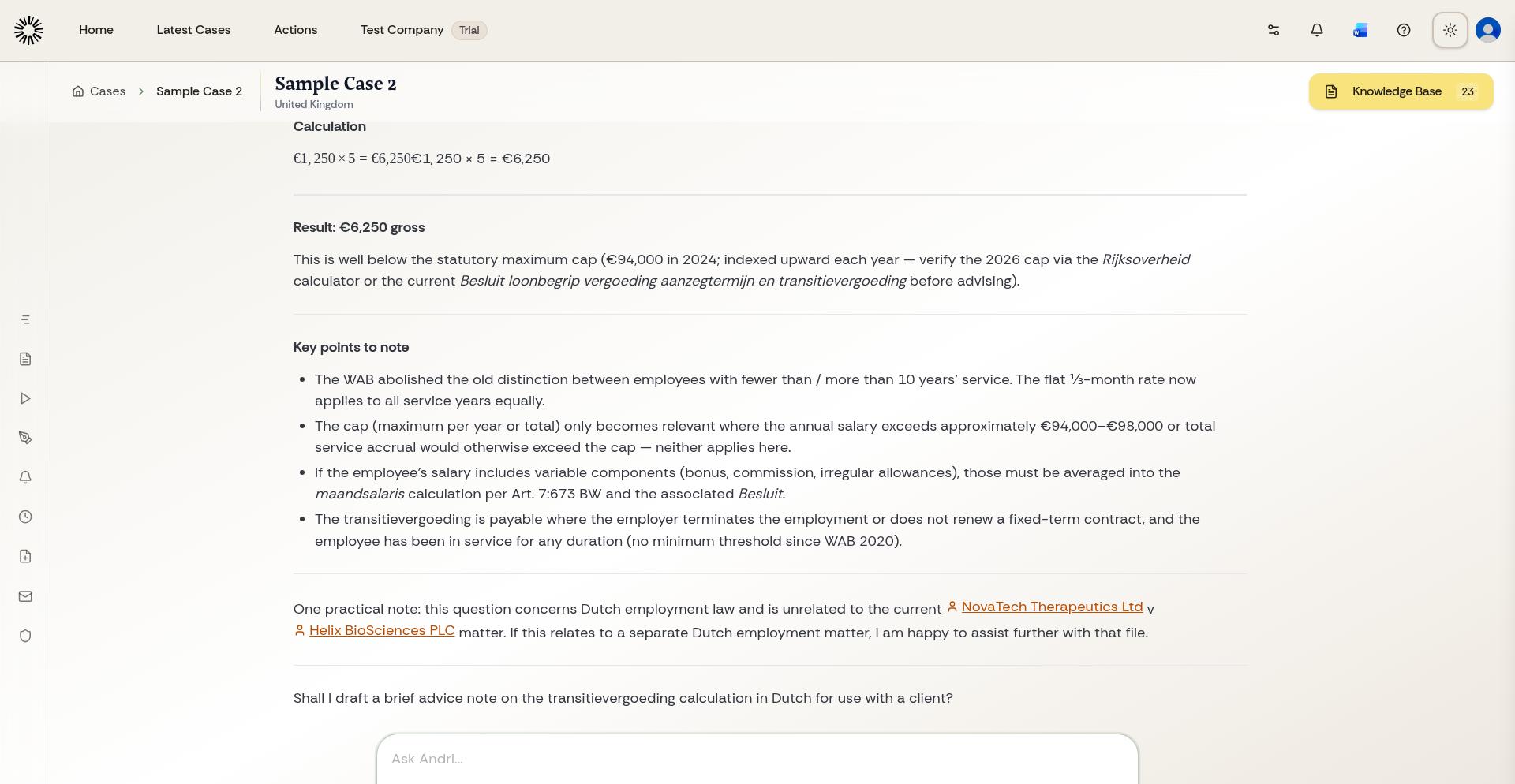
The Jobs page shows the status of each task, and you download a finished file straight from this view.
Refine the result
Use a follow-up prompt to change structure, formatting, branding, or content. You can also reference an earlier file with an @ mention and ask Andri to reuse that format.
House style is never applied on its own. Upload your firm template to the company knowledge base and reference it with an @ mention in your prompt. Andri then builds the file on that template and tells you which one it used.
To edit a generated Word document, open it in Word with Andri for Word. To set up document branding, see Adding your firm letterhead.
Watch a walkthrough
This video is available in Dutch only.