
Save and publish workflows
Workflows are saved as drafts while you build them and published when they are ready. Publishing makes a workflow ready to activate in your matters; letting colleagues use it is a separate step.
Save Draft
Click Save Draft to keep your work without making the workflow available to cases. A draft cannot be activated in a matter until you publish it.
Use Save Draft when:
You are still building out the workflow steps
You want to test configuration before releasing it
You need to pause and continue editing later
A personal workflow is yours alone while you work on it. A workflow you have shared with your firm stays visible to colleagues in the Workflows list even while it is a draft, so build it personally first if you would rather work unobserved.
Publish
Click Publish. Andri validates the workflow first and tells you how many nodes need attention if anything is incomplete. Once it passes, the workflow can be activated in your matters, and each publish creates a new version.
If you have made no changes since the last publish, Andri tells you there is nothing to publish.
Share the workflow with your team
Publishing does not hand the workflow to anyone else. Choose Share with company from the workflow list to make it available to your firm.
Workflow status
On the Workflows page, a workflow carries one of three statuses:
Draft: never published yet
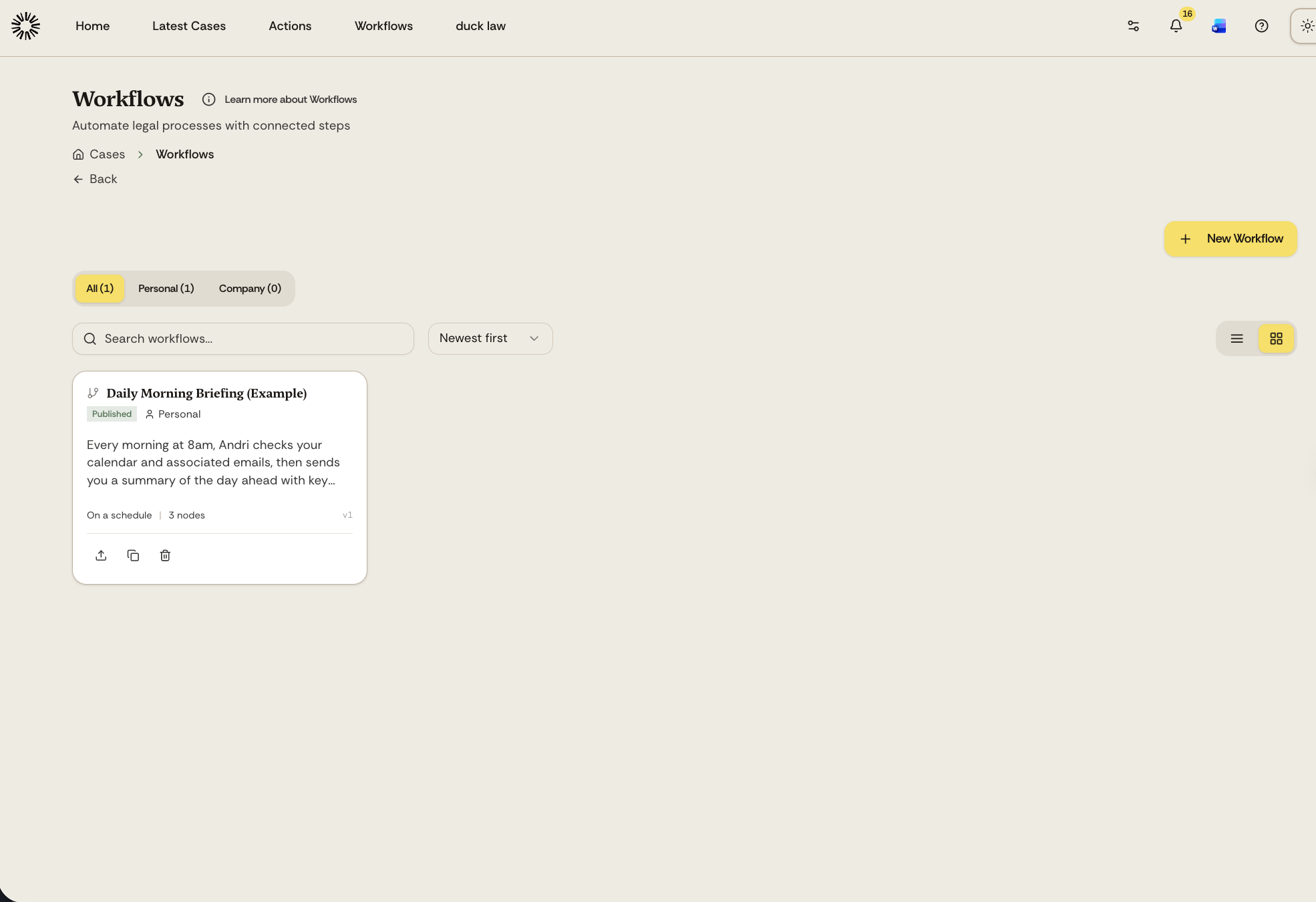
Published: a published version exists and can be activated in a matter
Published, edited: published, with changes in the editor that are not published yet
Inside a case, an activated workflow reads Active or Paused. Pausing stops new runs from starting and lets any run already in progress finish normally.
Workflow visibility
Published workflows show in your Workflows list with their scope:
Personal: only you can see and use this workflow
Company: available to everyone in your organization
Editing after publication
You can continue to edit a published workflow. Save changes as drafts until you are ready to push them live, and the workflow reads "Published, edited" in the meantime.
Matters that already run the workflow stay on the version they were activated with. When you publish a newer version, those matters show an upgrade option, which applies the new version while keeping the settings you configured for that matter.