
What are Workflows?
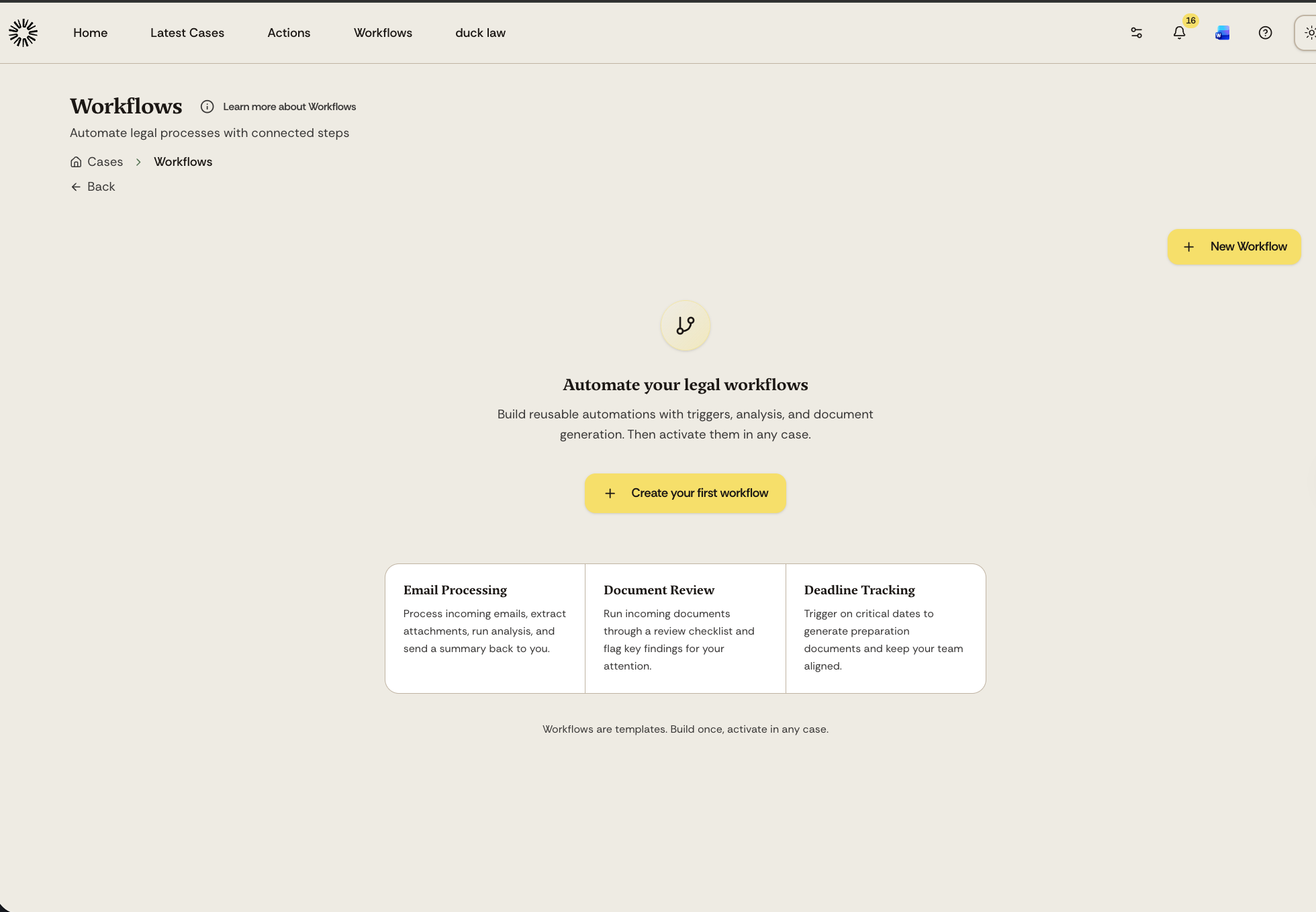
Workflows let you automate legal processes by connecting triggers, AI analysis, and document generation into reusable templates. You build a workflow once, then activate it in any case.
How workflows work
A workflow is a graph of connected steps called nodes. Steps usually run one after another, but a workflow can branch: a Conditional Check sends the run down its true or false path, and an Ask user step sends it down the branch that matches the option the person picks.
A trigger starts the workflow and steps do the work. Steps sit in five categories:
AI Processing lets Andri analyse, classify, or generate content
Document Creation generates Word, Excel, PowerPoint, or PDF files
Communication sends emails or records activity
Control Flow branches, pauses, or gates the workflow
Time & Tracking records billable time and activity, when assignments are enabled for your firm
Workflows are templates
Workflows exist at the account level, not inside a specific case. You design and publish them from the Workflows page, then enable them for individual cases as needed. This means you can build a standard process once and reuse it across all your matters.
Starting points
Every workflow starts either from Blank Workflow or from one of four worked examples you can open and adapt:
Contract Redline Response (Example) reviews an incoming redline overnight and returns counter-proposed track changes in the .docx.
Daily Morning Briefing (Example) checks your calendar and emails each morning and sends you the day ahead.
Matter Status Memo (Example) writes a status memo on the matter when you run it.
Intake to Advice -- Full Case Workup (Example) runs a branching intake and pauses for the handling lawyer to approve the dossier before drafting the advice.
Where to start
Create your first workflow to see how the editor works, or learn about workflow triggers to understand how workflows start.