
Working with the Audit Trail
The Audit Trail provides a complete, detailed log of every action taken in your case for compliance, security, and oversight purposes.
Accessing the Audit Trail
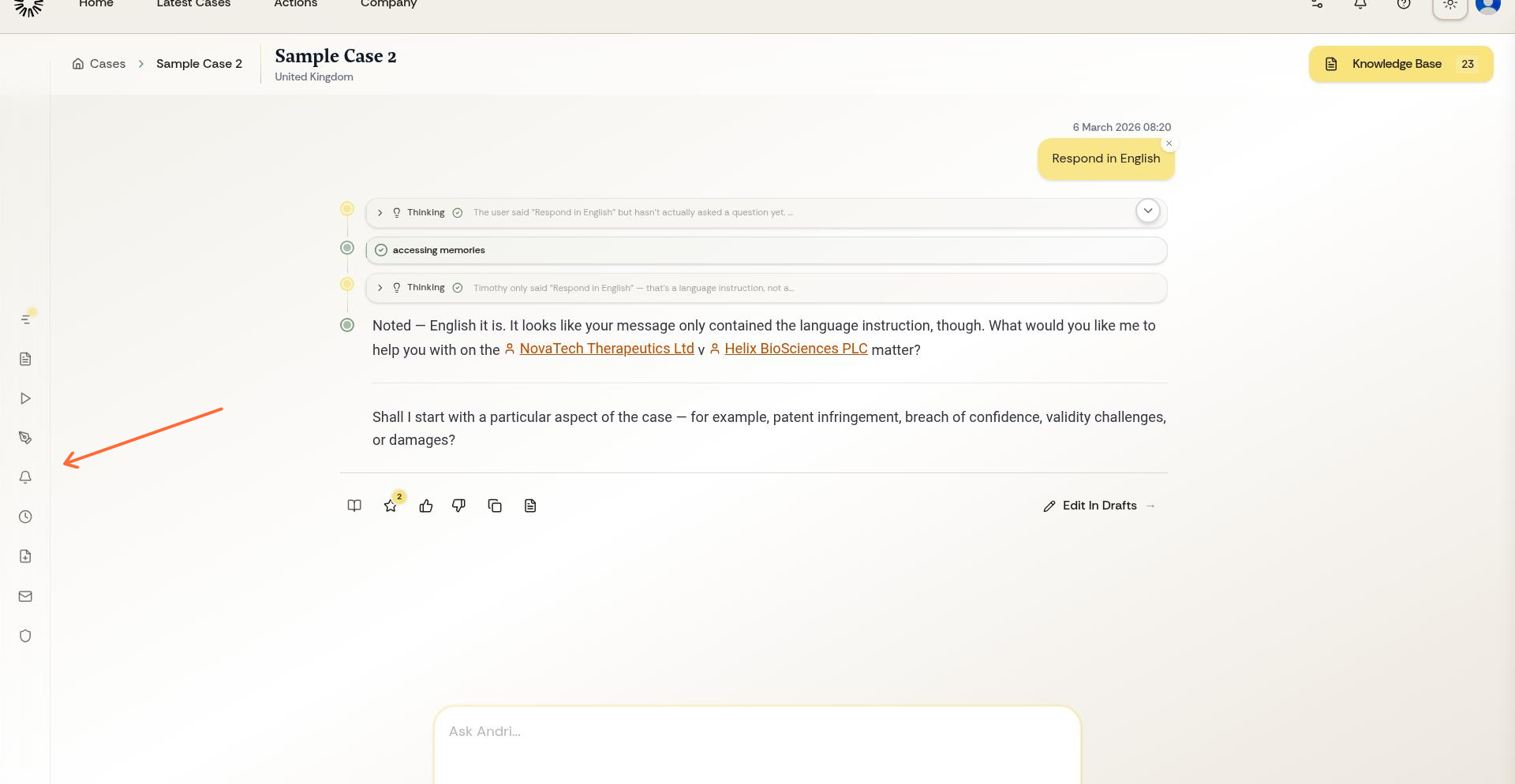
From your case workspace, open the left sidebar menu and select Audit Trail.
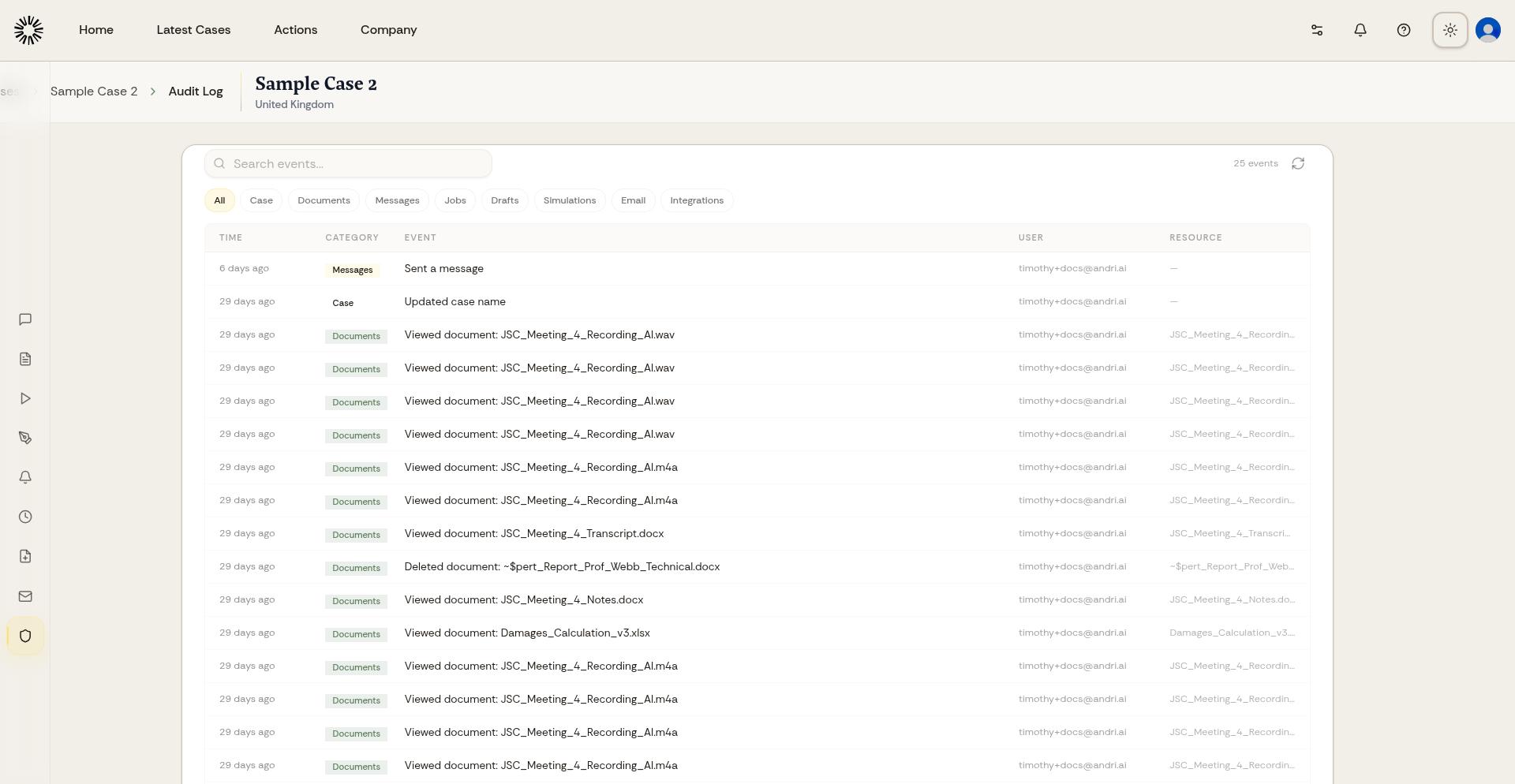
The Audit Trail page displays all logged actions with full details.
What Audit Trail Records
Every action is logged with the user who performed it, the exact action taken, affected resources, IP address, and precise timestamp. This includes document operations, chat activity, settings changes, team member actions, and system events.
Audit Trail is immutable. Entries cannot be modified or deleted, ensuring a reliable record for compliance, security reviews, and dispute resolution.
Using Audit Trail for Oversight
Review Audit Trail to verify team member actions, investigate security concerns, prepare compliance reports, or track changes to sensitive case information. The detailed logs provide accountability and transparency for all case activity.
For multi-member cases, regularly review Audit Trail to ensure all actions align with your firm's policies and client expectations.