
Court Simulation
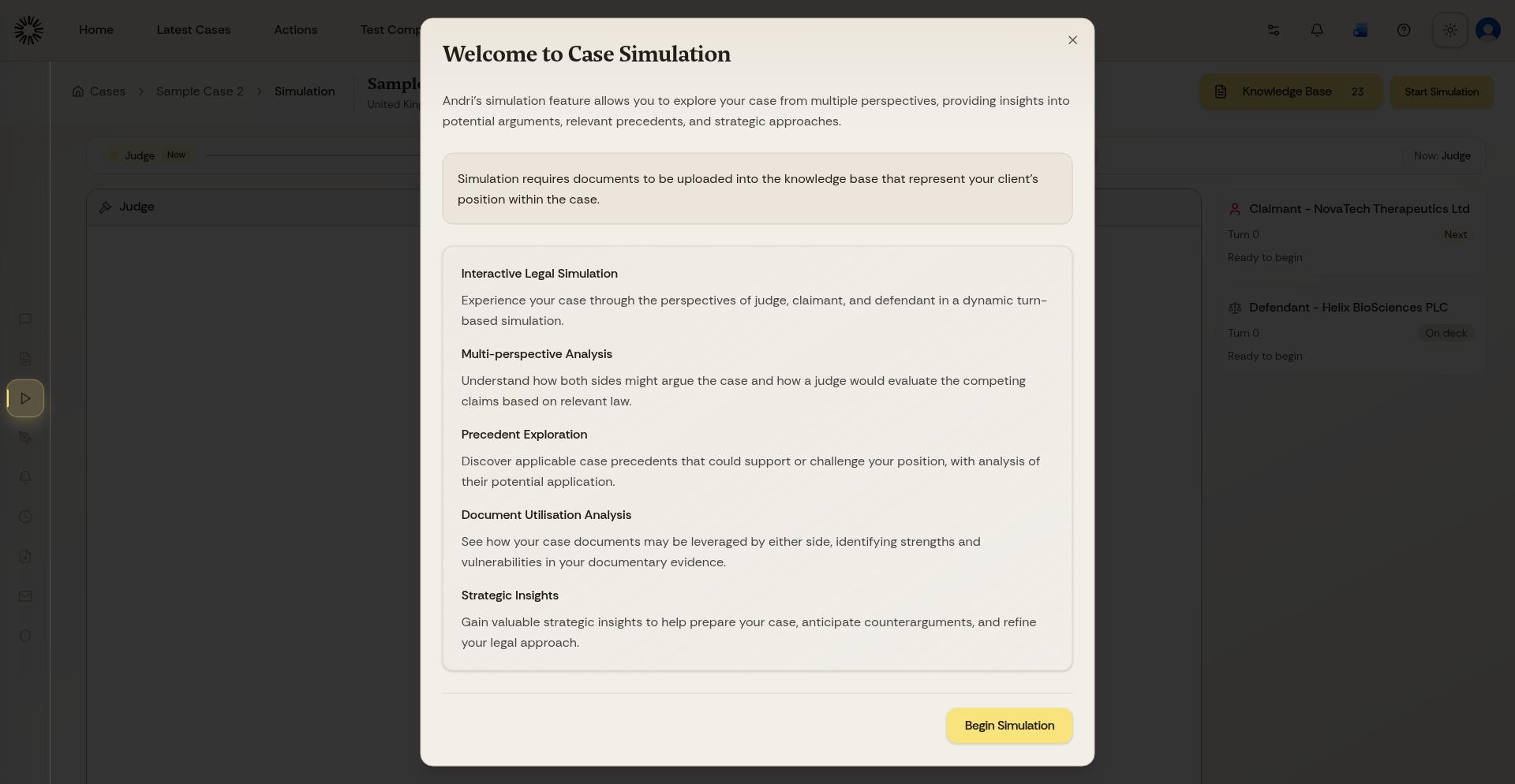
Court Simulation lets you test legal arguments in a realistic courtroom scenario before a hearing.
What you'll need: an existing case with relevant documents or evidence uploaded.
Start a simulation
Open the case you want to work in.
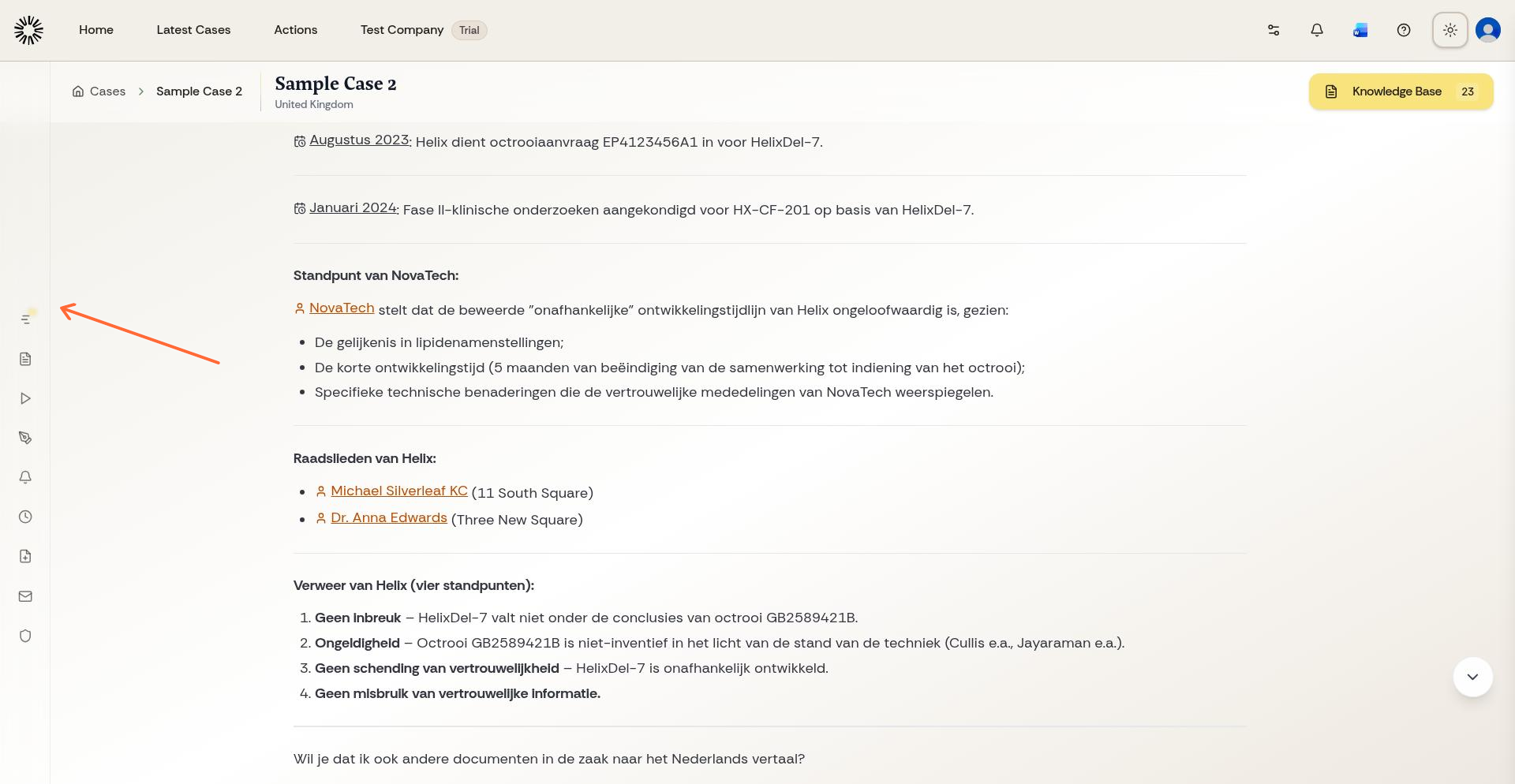
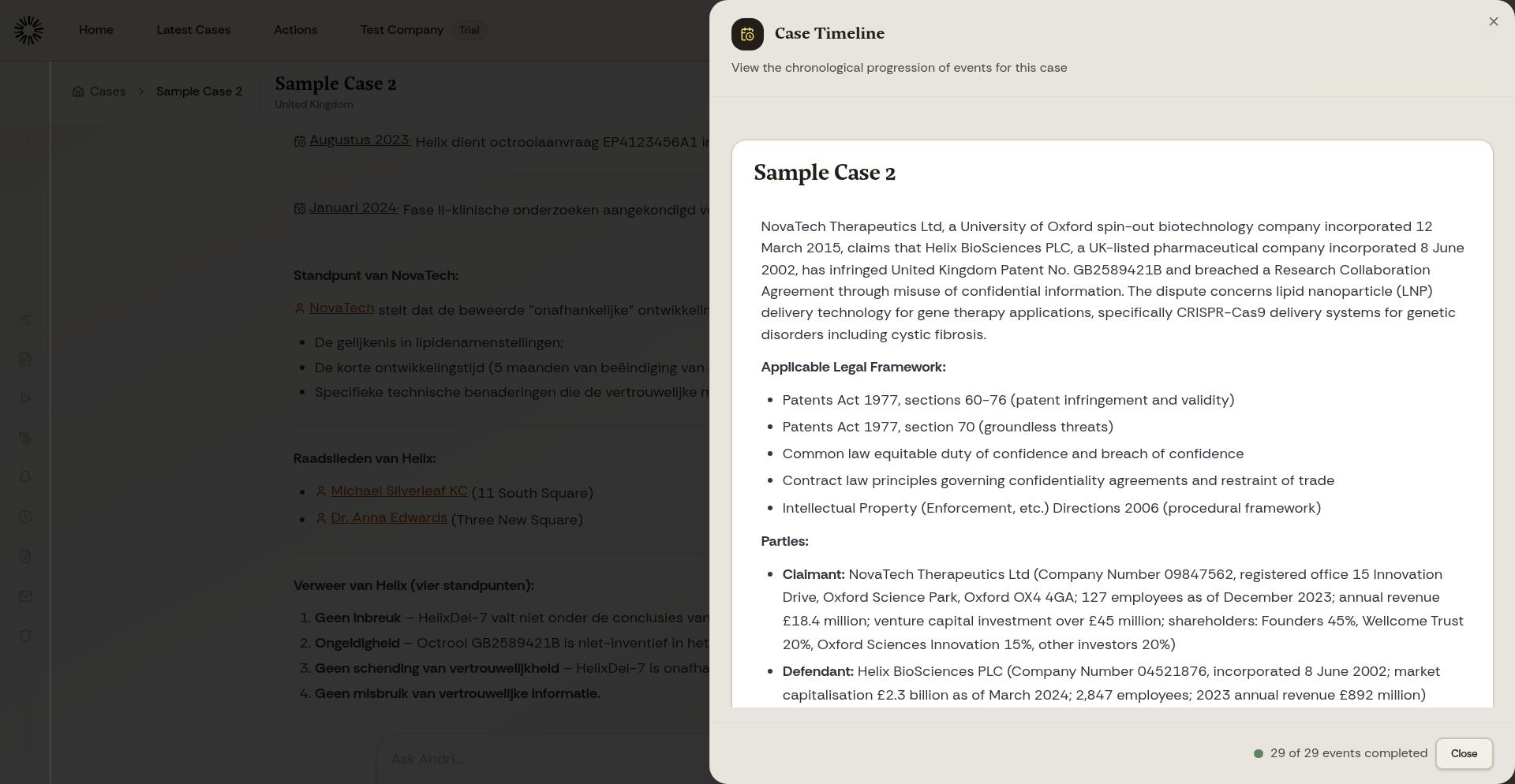
In the left-hand panel, click Open Timeline.
Select Simulate.
How the simulation works
The simulation runs in turns between claimant, defendant, and judge. Each turn uses your case materials and legal context to build the exchange.
Use the result
Review the exchange to spot weak arguments, test alternatives, and prepare your case strategy.
Check where your position is strongest
See how a judge may respond
Compare different approaches
Run more than one simulation if you want to compare different arguments or evidence sets.
To set up a new matter first, see Creating Your First Case. If you want to review events in the same matter, see Using the Timeline Feature.