
Setting reminders with /reminder
The /reminder command sends you an email reminder at a time you choose. The email includes a summary of the case and a direct link.
Slash commands vary by your language settings. Check your available commands by typing / in a case chat—the correct command for your language will appear in the menu.
How to use /reminder
In a case chat, type / to see available commands, then select or type /reminder:
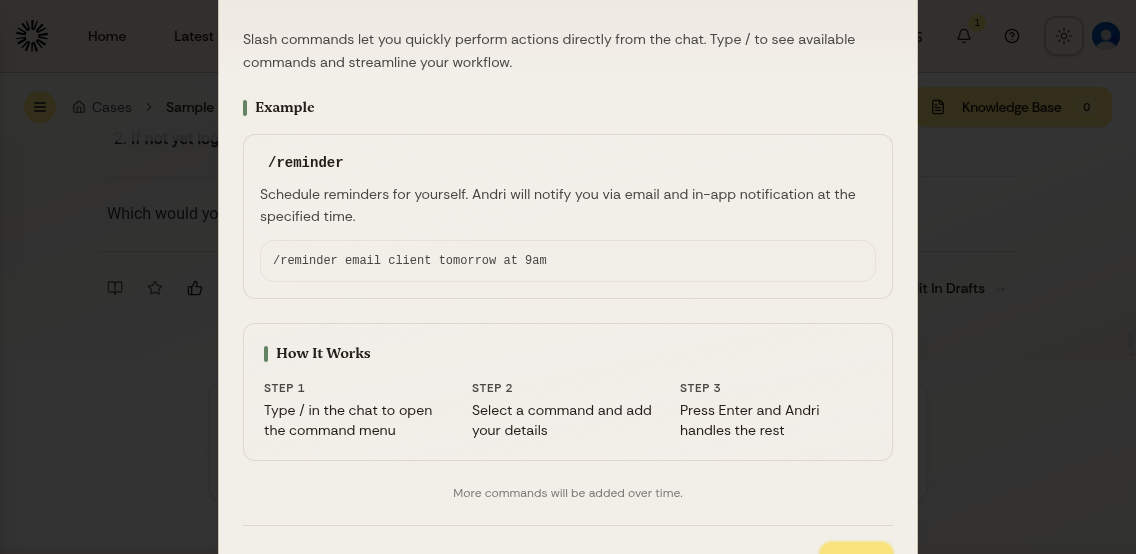
Type your reminder in natural language, including what you want to remember and when:

More examples:
/reminder check if opposing counsel responded in 5 days/reminder next Monday morning to review settlement offer/reminder me tomorrow afternoon to call the client about their deposition/reminder in 2 weeks to check if the medical records arrived

Difference with memory
/reminder sends you a timed email reminder.
Memory stores information so Andri uses it in future responses. Learn more about using memory in Andri.
Use /reminder for actions at a specific time, and memory for context that Andri should keep using.