
Using memory: case and company memories
Andri can remember information you tell it and use that context in future conversations. A memory can cover one case, follow you across all your cases, or apply to your whole firm. There is no command to learn: tell Andri what to remember, in any language it supports.
Case memories
To save information for the current case only, tell Andri in the chat:
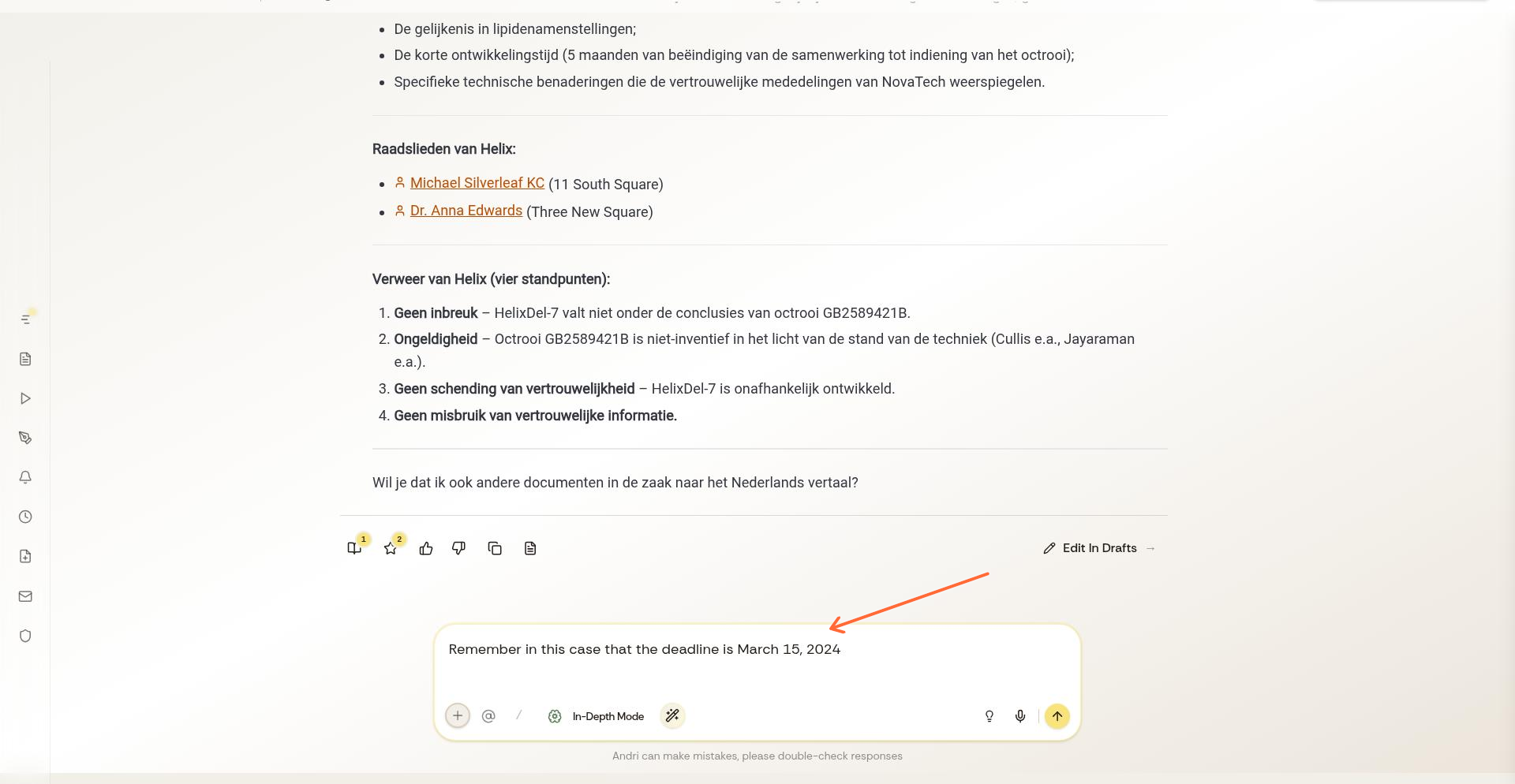
Remember in this case that the filing deadline is 15 March 2024Andri stores this information and references it in future responses within this case. Case memories don't transfer to other cases.
Use case memories for client preferences, key dates, party names, or case-specific facts you reference frequently.
Personal memories
A personal memory follows you into every case you work on and stays yours: colleagues do not see it. Use it for the way you like Andri to work with you.
Remember that I always want a short summary before the detailed analysisCompany memories
To save information across all cases for your entire firm:
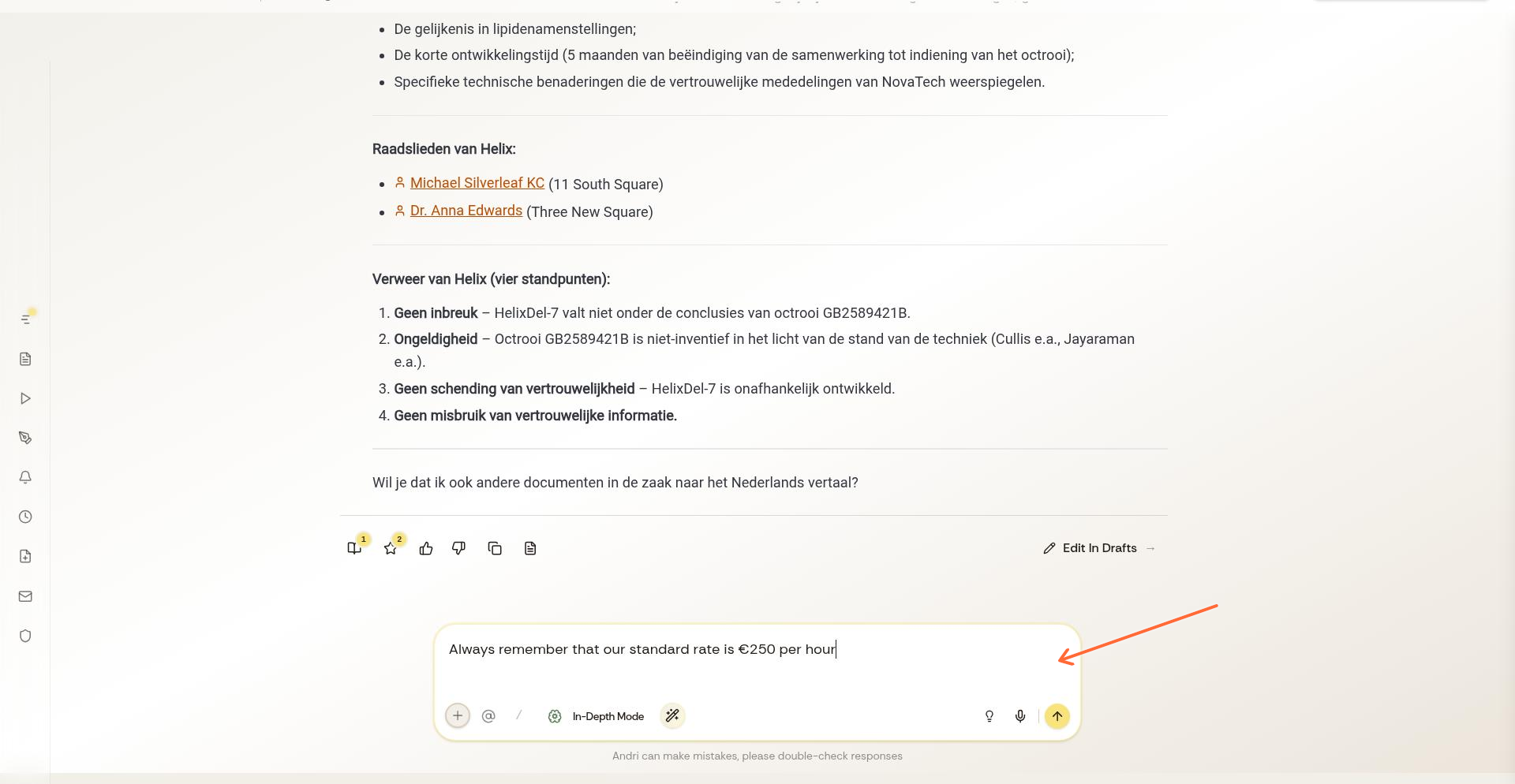
Always remember that our standard hourly rate is €250Company memories apply to every case and every team member. Use them for firm-wide policies, standard rates, or preferences that should be consistent across all work.
Only firm admins can create or change a company memory. Everyone else reads them, so if you are not an admin, Andri tells you and can keep the information as a case or personal memory instead.
Practical examples
Case memory examples:
"Remember in this case that the plaintiff is Jane Smith"
"Remember in this case to use bullet points for all summaries"
"Remember in this case that all amounts should be in GBP"
Personal memory examples:
"Remember that I work in employment law, so lead with the employment angle"
"Remember that I want dates written out in full"
Company memory examples:
"Always remember our firm name is Smith & Associates Solicitors"
"Always remember to use British English spelling"
"Always remember that our standard payment term is 14 days"
How Andri uses memories
When you ask questions or request documents, Andri automatically applies relevant memories to ensure consistency. You don't need to repeat stored information in every prompt.
Memories persist until you update or delete them. To change a memory, tell Andri the new information.
Viewing and managing memories
Ask Andri "What do you remember about this case?" or "What are our company memories?" to see stored information. To delete a memory, tell Andri to forget it: "Forget the filing deadline I mentioned earlier."