
Using court simulation
Court Simulation lets you test legal strategies and arguments in a realistic courtroom scenario before going to trial. The feature simulates the roles of claimant, defendant, and judge using your case evidence and legal precedents.
Before you start
Simulation needs documents in the case knowledge base that represent your client's position in the matter. It argues from those documents, so a thin file produces a thin simulation.
Your documents also have to identify a claimant and a defendant. Until they do, Andri reports that simulation is not relevant to this matter, and the feature becomes available automatically once both parties are established.
Starting a court simulation
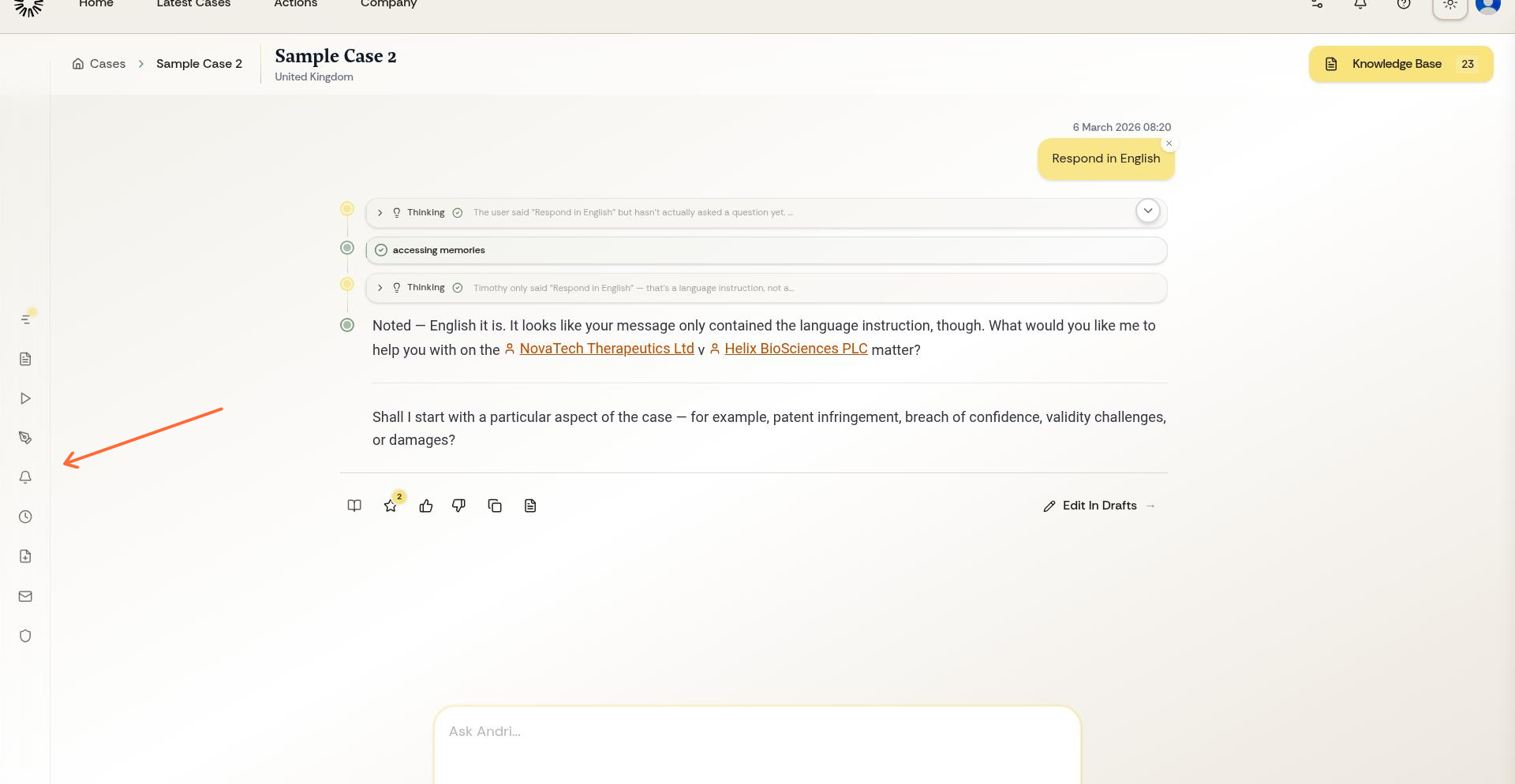
From your case workspace, open the left sidebar menu and select Simulate.
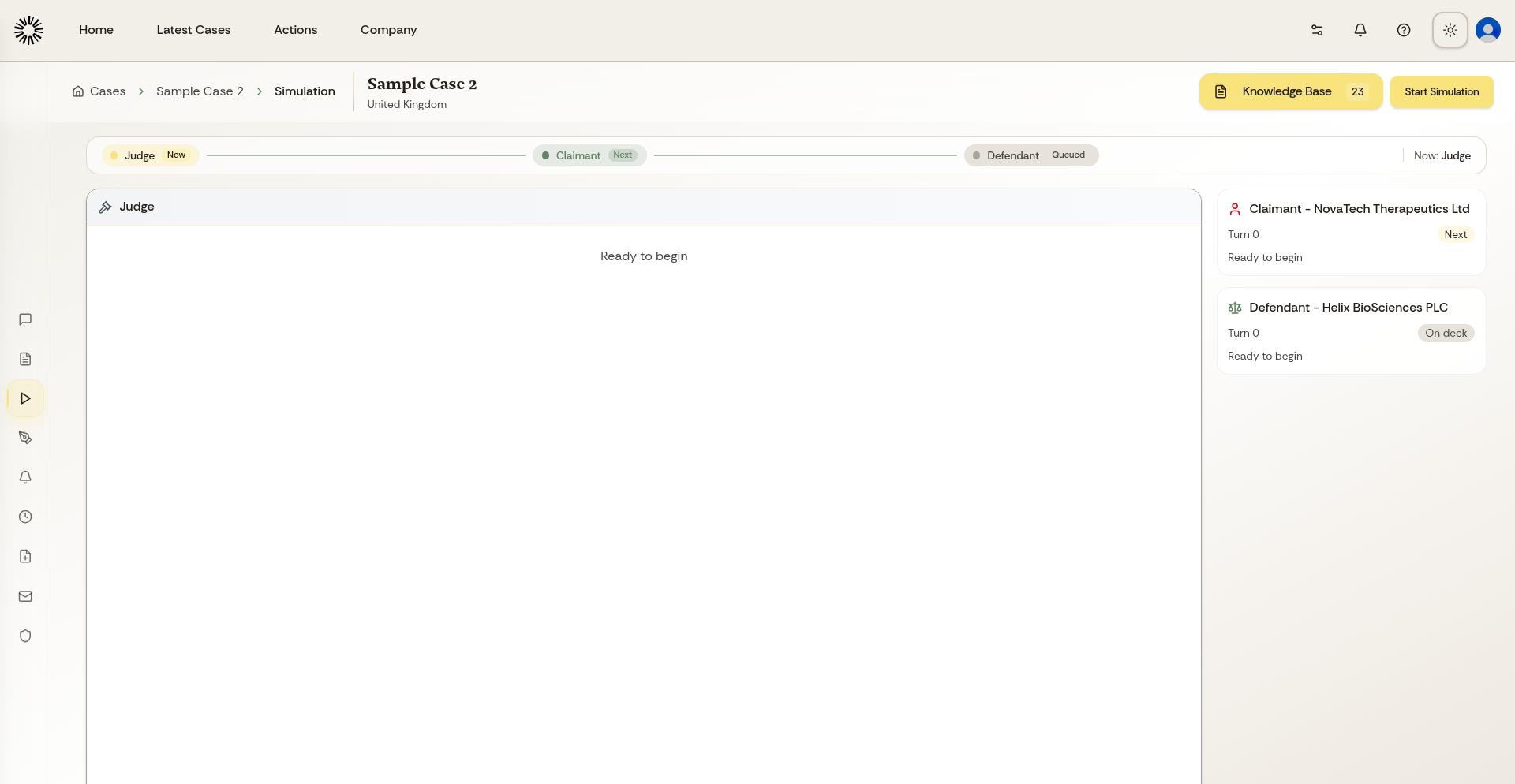
Andri opens the welcome screen. Click Begin Simulation to start the courtroom scenario.
How the simulation works
The simulation runs in turns, alternating between claimant arguments, defendant responses, and judicial decisions. Each turn builds on previous arguments using your uploaded evidence and applicable case law.
The AI represents all three roles: the claimant presenting arguments and evidence, the defendant responding with counterarguments and defenses, and the judge evaluating arguments and making procedural or substantive decisions.
Stay on the page while a turn is generating. If you navigate away, Andri warns you first that the current turn will be interrupted and lost.
Reviewing the simulation
As the simulation progresses, you see the complete exchange between all parties. Review how each side argues, what evidence they emphasize, and how the judge responds to different legal theories.
The simulation concludes with a final ruling that summarizes the outcome and provides reasoning for the decision.
Using simulation results
Review the complete simulation to identify strengths and weaknesses in your case strategy. Use the insights to spot gaps in your arguments, understand how judges might respond to different legal theories, test alternative case strategies, prepare more effectively for actual litigation, and identify additional evidence or research you might need.
Running the simulation again with different arguments or extra evidence is a good way to test alternatives. Every turn counts against your plan's message allowance, the same budget the chat uses, so a long simulation is not free.
Limitations of simulation
Court Simulation is a planning tool, not a prediction. Real courts involve human judgment, procedural nuances, and factors the AI cannot fully replicate. Use simulation to inform your strategy, not as a guarantee of outcome.