
How to set up your firm house style
House style sets your firm's default branding for all documents created in Word, Excel, and PowerPoint. When no template or other document is referenced for style, these settings apply automatically across the entire firm.
You can customize colors, fonts, logos, and other visual elements from the dashboard.
Access house style settings
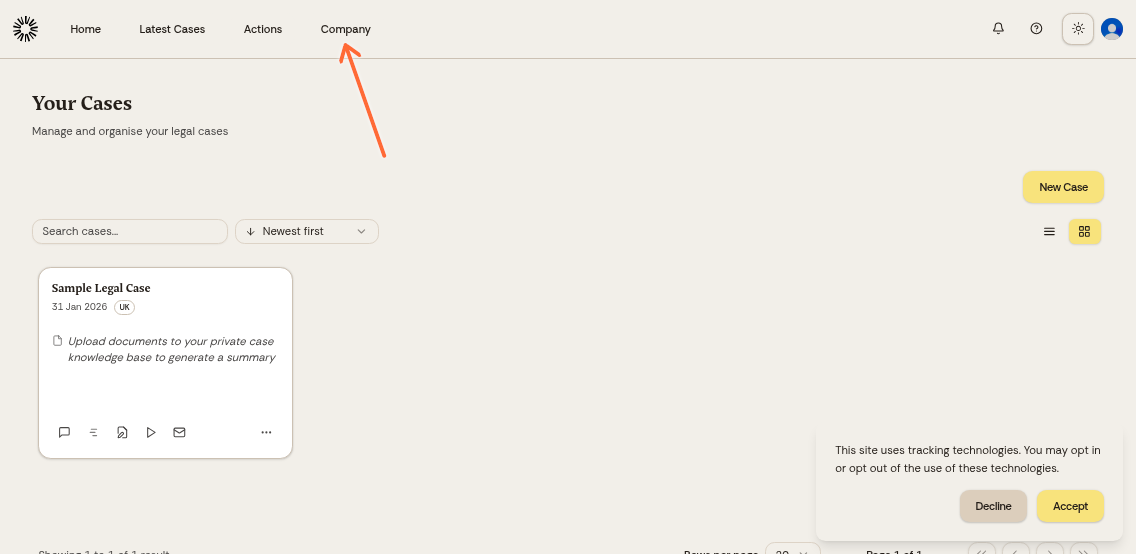
Click your company name in the top menu.
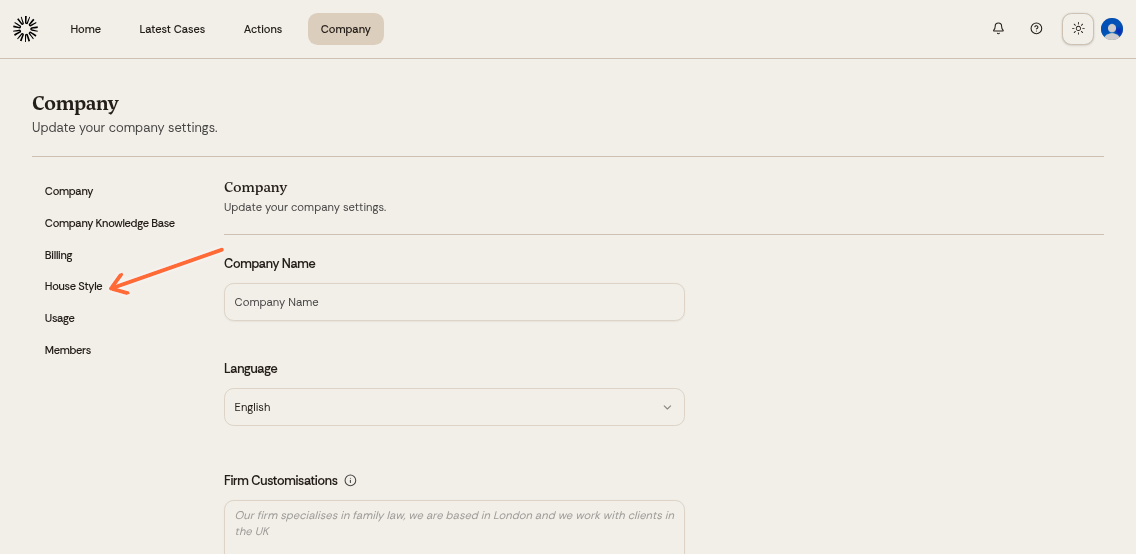
Select House Style from the Company menu.
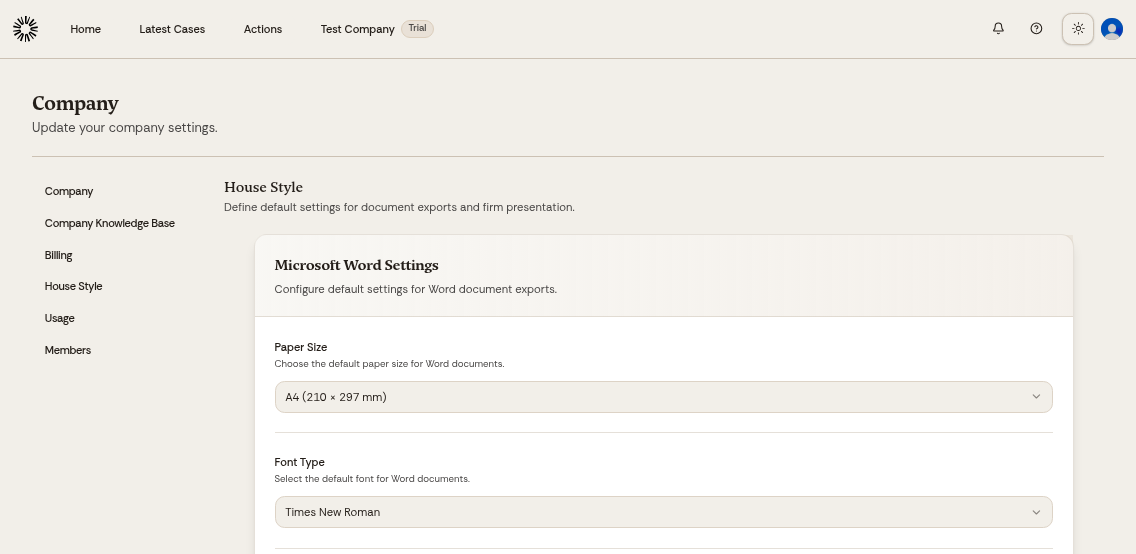
Customize your branding
The house style page lets you configure:
Brand colors and theme
Company logo
Typography and fonts
Make your changes in each section, then click Save Settings at the bottom of the page.
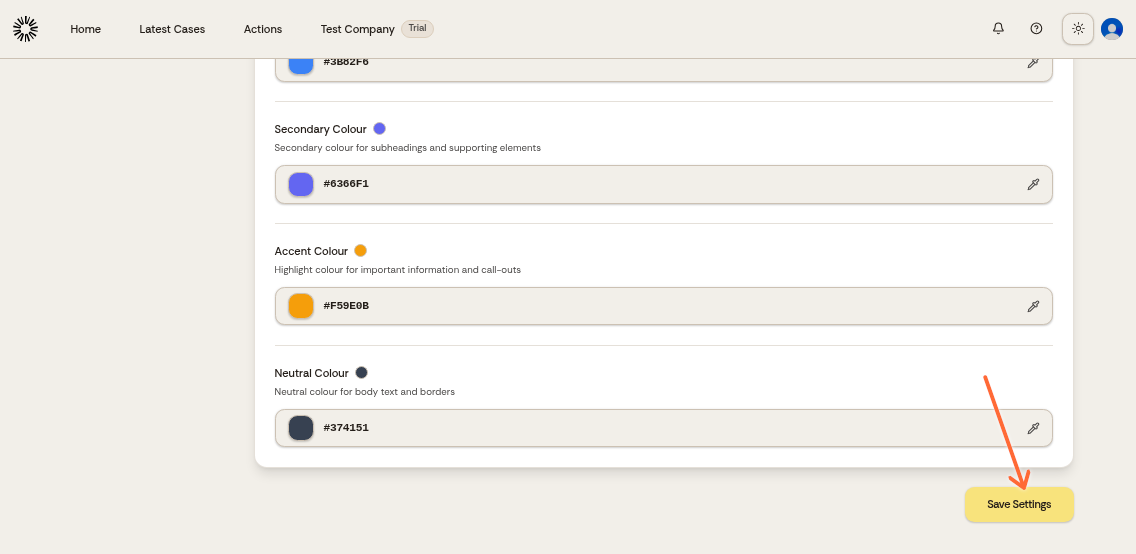
Changes to your house style apply immediately to your company.
Was this helpful?