
Understanding document metadata and analysis
When you upload documents to Andri, the platform automatically extracts metadata and performs intelligent analysis to make your files searchable and usable by the AI.
Viewing document metadata
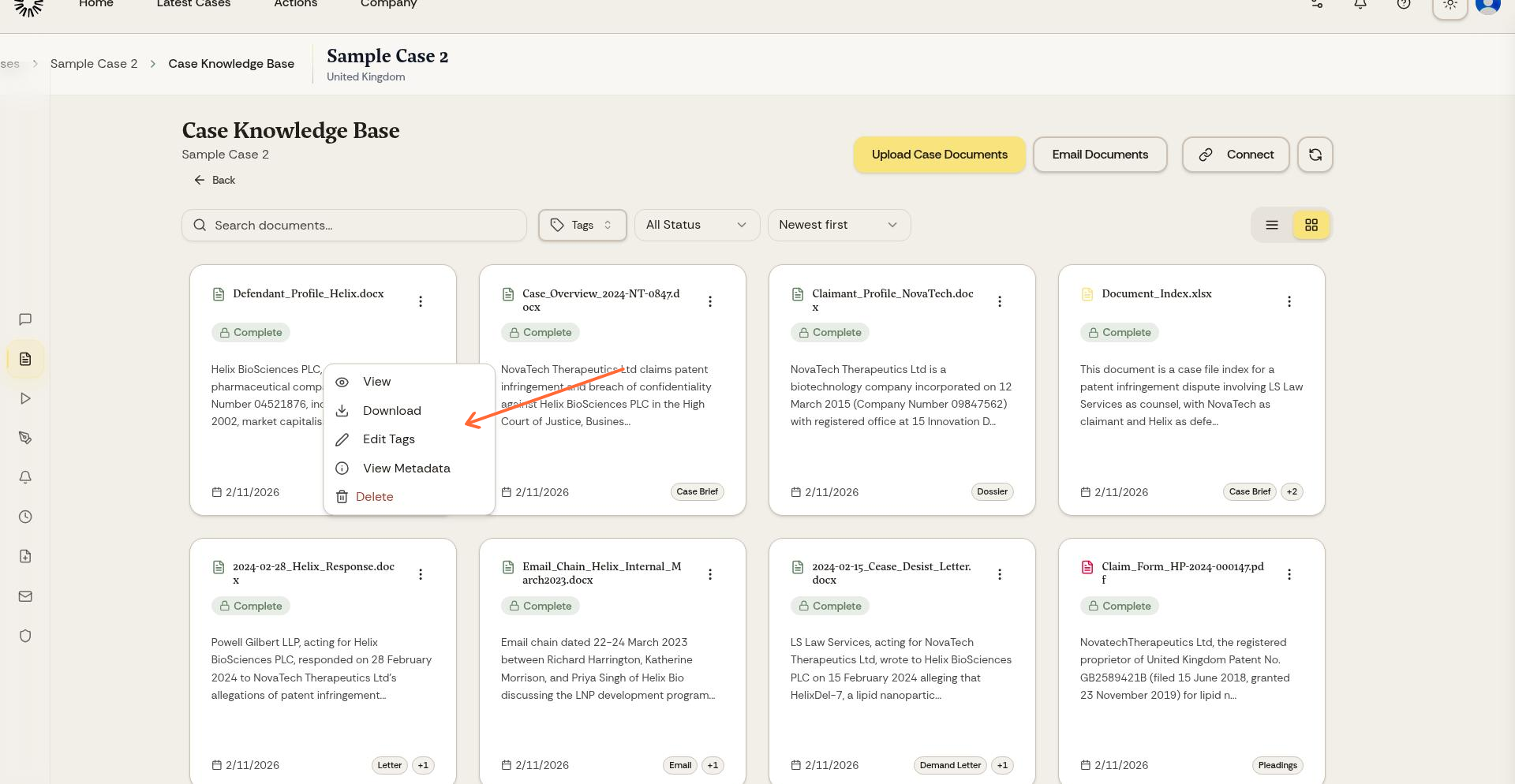
From your Knowledge Base, click the dropdown menu next to any document and select View Metadata.
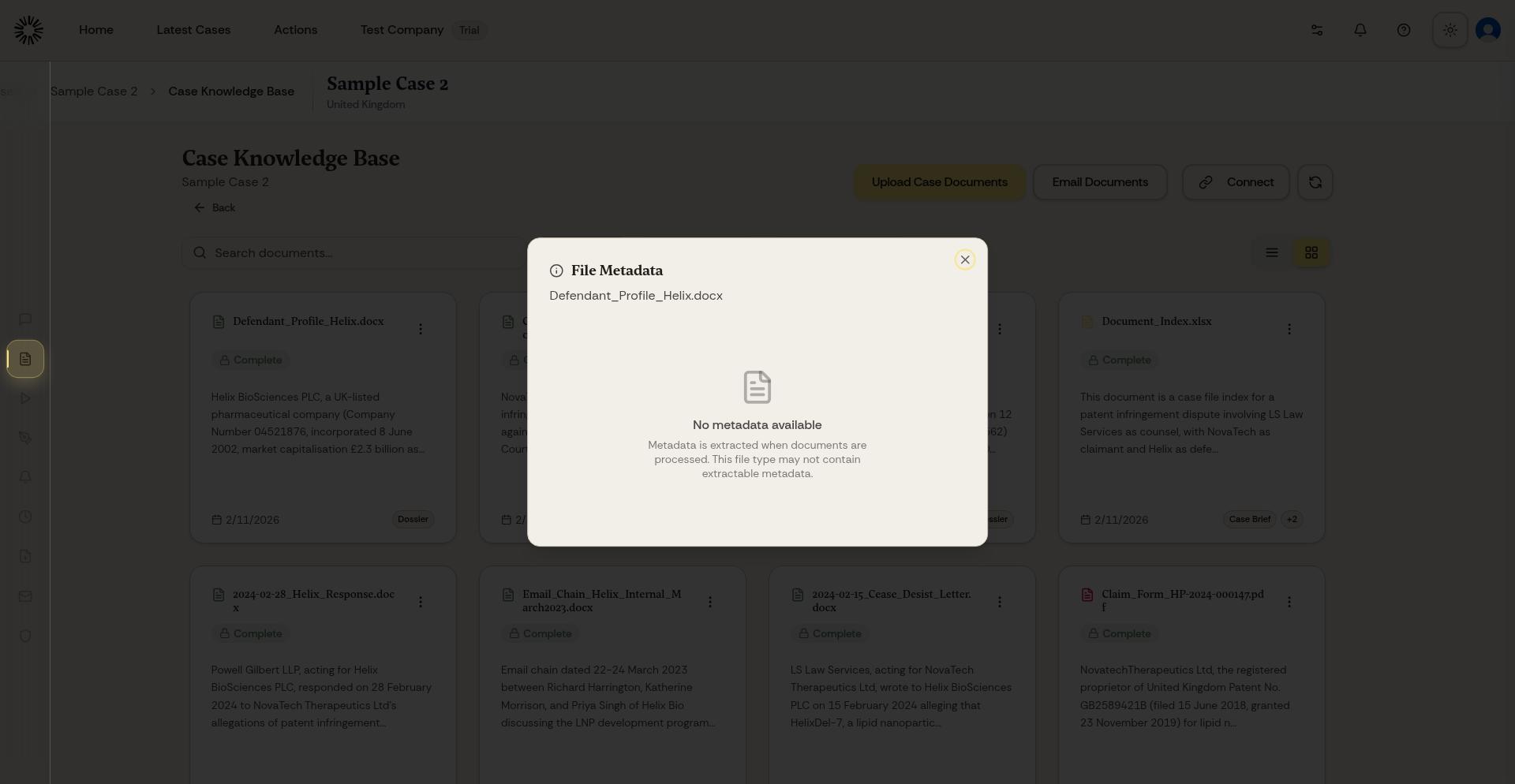
The metadata panel displays all extracted information about the document.
What metadata Andri extracts
For every document, Andri captures basic file information including filename, file type, size, and upload date. The AI also extracts content-specific metadata depending on file type.
PDF and Word documents: Full text extraction, page count, creation date, author (if embedded), and OCR for scanned documents.
Images: Image description generated by AI, text extraction via OCR if the image contains readable text, technical details like dimensions and format, and, where the file carries them, the device, the date taken and the GPS location.
Audio and video files: Complete transcription with speaker diarization for up to 10 speakers, duration, format details, and speaker names you can set yourself.
Excel files: Sheet names, including hidden worksheets, data structure, and key information extracted from cells.
Email files (.eml and .msg): Sender, recipients including CC and BCC, subject line, date, message ID, body text, and all attachments processed separately.
Signatures, track changes and security
For PDF and Office files the panel also reports what happened to the document before it reached you, which is often the point of examining it at all.
Digital signatures, with the signer, the issuer, when it was signed, and whether the certificate is valid or expired.
Integrity: whether the document is unmodified, or was modified after signing.
Track changes, with the number of tracked changes and the authors who made them.
Comments, with their count and authors.
Whether the file is encrypted or password-protected, and whether editing is restricted.
AI-generated summaries
Andri automatically generates a summary for each document, identifying key topics, parties mentioned, dates, and relevant legal concepts. These summaries help you quickly understand document content and improve AI search accuracy.
Review AI-generated summaries for complex documents. If the summary misses important details, you can guide the AI by asking specific questions about the document.
How metadata improves AI performance
The metadata and analysis Andri extracts allows the AI to quickly find relevant information, understand document context, cite sources accurately with page numbers, and distinguish between document types when answering questions.
All metadata extraction and analysis happens automatically when you upload files. No manual tagging or processing is required.
File size limits
Files can be up to 200 MB, with room for the larger formats: 2 GB for a PDF, and 1 GB each for audio and video, ZIP archives and XAF financial files.