
Monitoring Jobs and background tasks
The Jobs feature provides a centralized dashboard for monitoring all background tasks, including Office file generation, large document processing, and complex analysis requests.
Accessing the Jobs dashboard
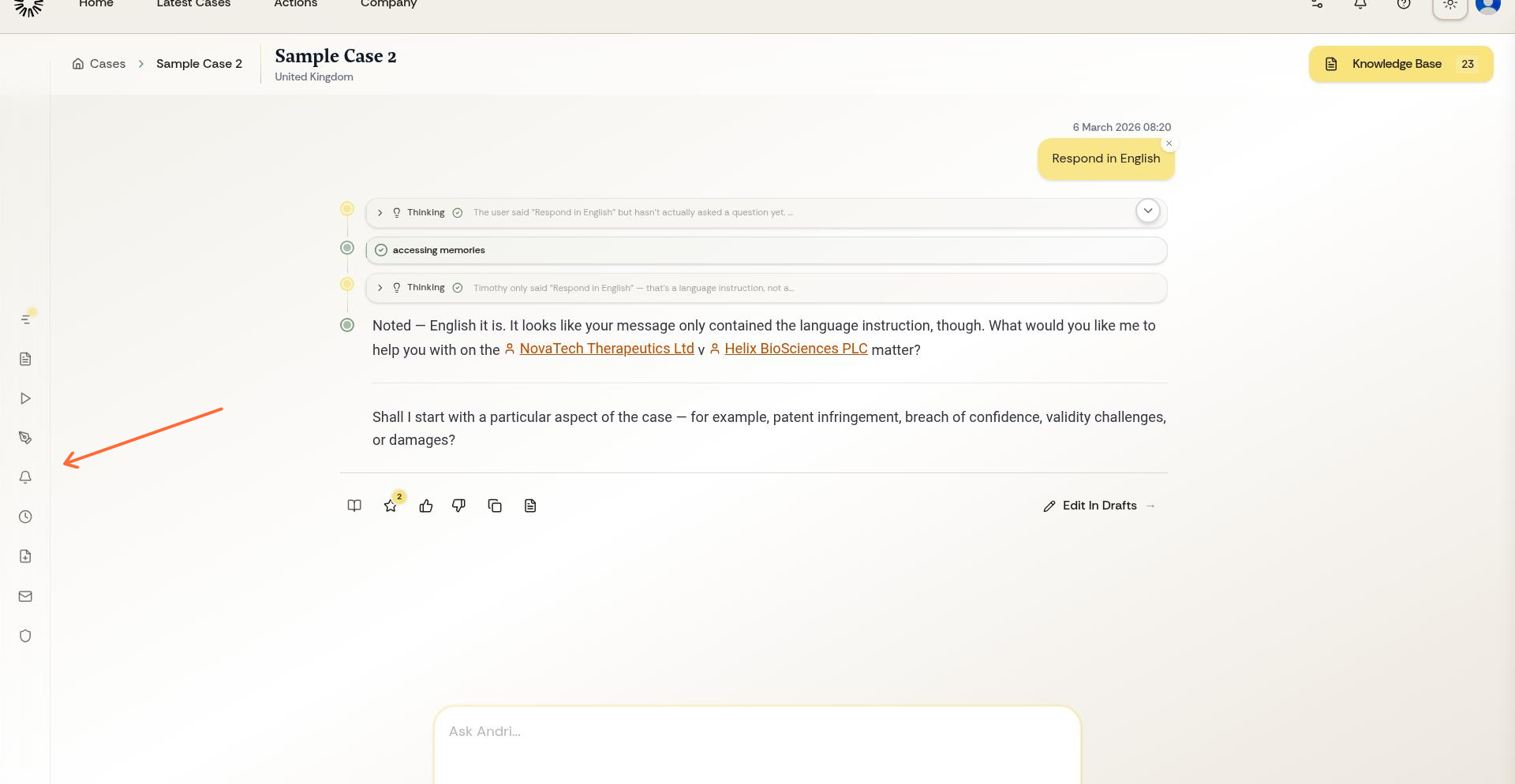
From your case workspace, open the left sidebar menu and select Jobs.
The Jobs page displays all tasks associated with your case, including active tasks currently processing, completed tasks ready for download, and failed tasks with error information.
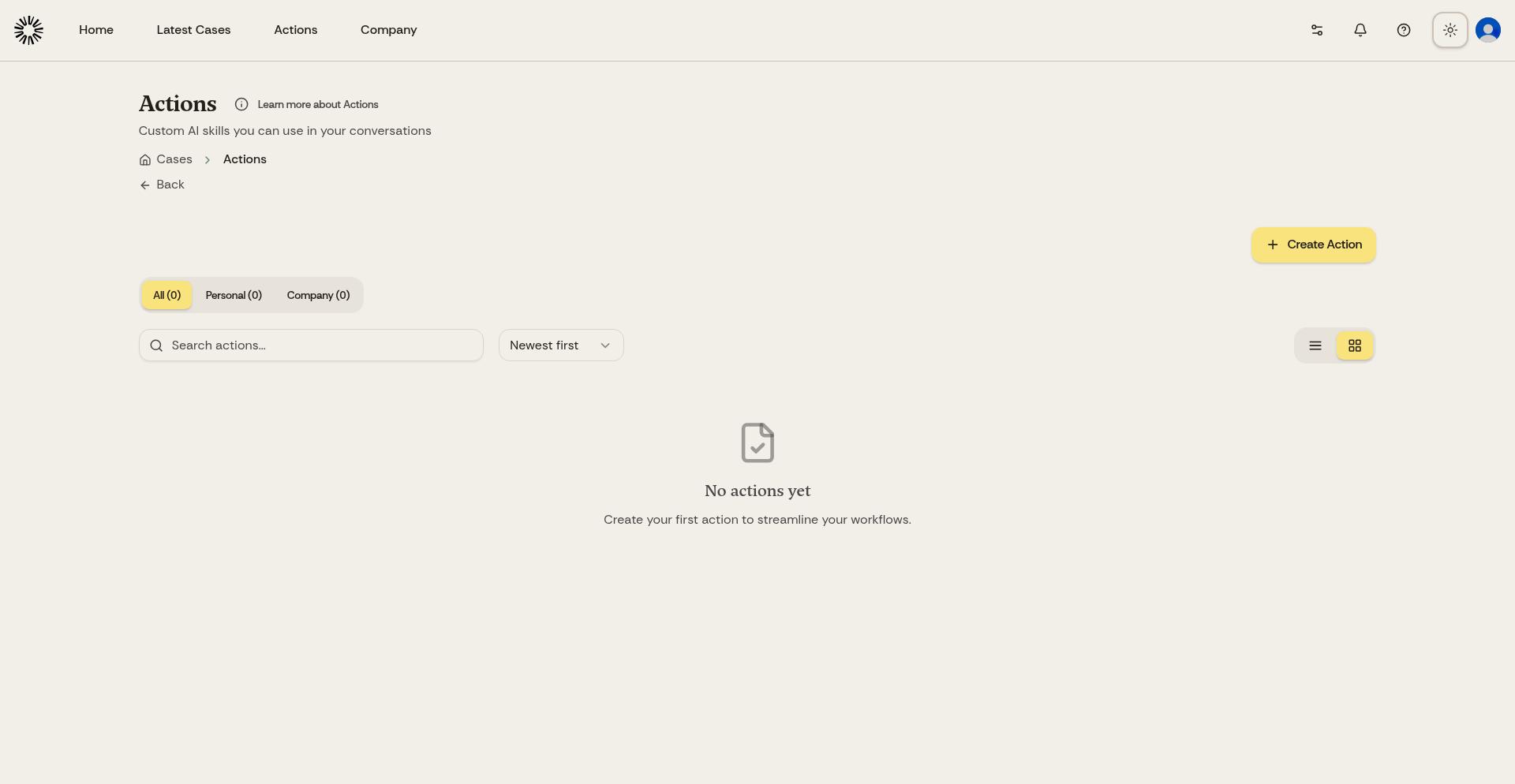
Search the list, or filter it by status or file type, when a long-running case has built up a history.
Understanding job status
Queued: The task is waiting its turn and has not started yet.
Processing: The task is currently running. Processing time depends on task complexity and file size.
Completed: The task finished successfully. Click the download button to save the generated file to your device.
Failed: The task encountered an error. Review the error message for details. Common issues include insufficient information in the knowledge base or unclear instructions in the original prompt.
If a task fails, review the error message, refine your prompt with more specific instructions or additional context, and submit the request again.
Downloading completed files
When a job completes, click the download button next to the task. Jobs produce Word, Excel, PowerPoint and PDF files, plus interactive reports you open in the browser.
House style is not applied on its own. To put your firm's branding on a generated file, reference your firm template from the company knowledge base with an @ mention when you request it.
Job history
The Jobs dashboard maintains a history of all tasks for your case. Review past jobs to access previously generated files or see what analysis has been completed.
Use Delete Job to remove a job and everything it generated. If the job is still processing, deleting it cancels the work.
Jobs are case-specific. Each case has its own Jobs dashboard showing only tasks related to that matter.
Troubleshooting failed tasks
If tasks repeatedly fail, ensure your knowledge base contains the documents or data the task requires. For financial analysis tasks, make sure relevant financial documents are uploaded. For drafting tasks, confirm template documents or reference materials are available.
Try breaking complex requests into smaller, more specific tasks if large jobs consistently fail.