
Searching case law with Latest Cases
The Latest Cases feature provides instant access to recent legal cases, legislation, and precedents from the jurisdictions Andri covers. Search by keyword and use filters to find exactly the case law you need.
Accessing Latest Cases
Click Latest Cases in the top navigation menu to open the legal research database.
Browsing recent cases
The Latest Cases page displays recently published legal decisions organized chronologically. Each entry shows the case name, decision date, court, jurisdiction tags, and a brief summary.
Switch the ordering with the View control: Group by Date keeps the chronological list, and Most Relevant reorders the results by how well they match your search.
Searching for specific cases
Use the search bar to find cases by keyword, case name, legal topic, or court. Type your search term and press Enter.
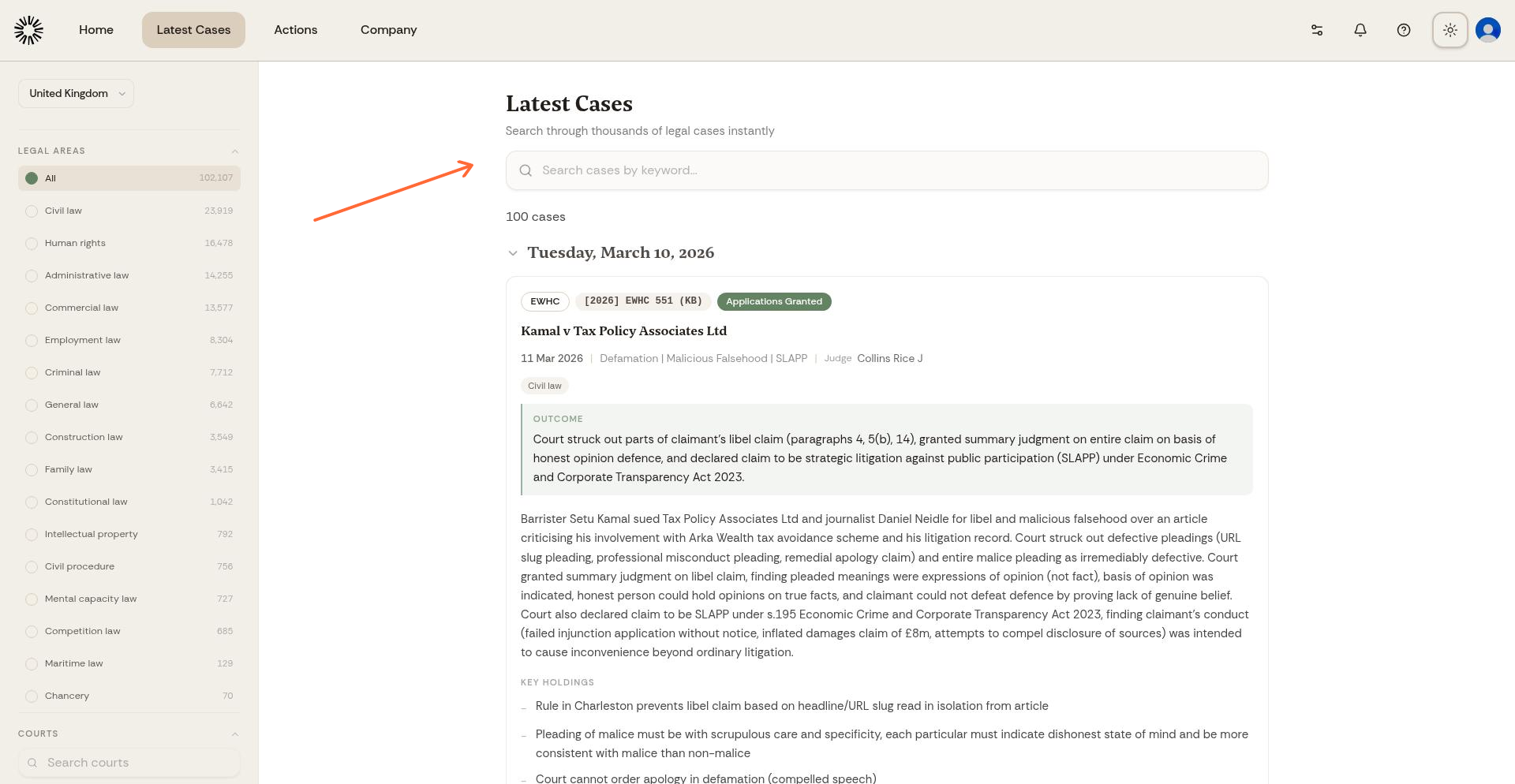
Search by legal concepts like "contract breach" or "unfair dismissal," case names, specific courts, or party names to narrow your results.
Using filters
The sidebar on the left narrows the results, and Clear all resets everything at once.
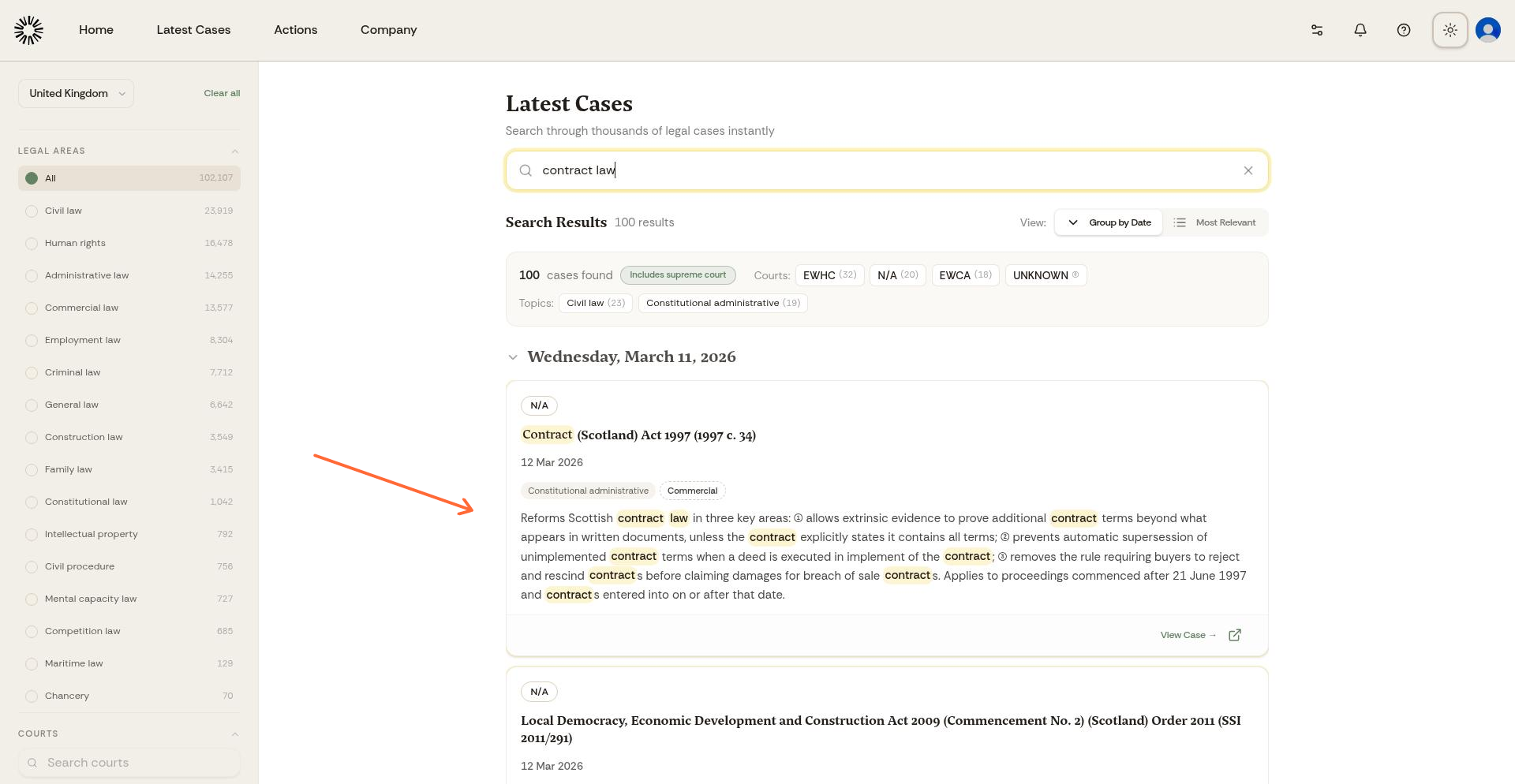
The country selector at the top switches between the Netherlands, Belgium, the United Kingdom and Switzerland.
Legal Areas narrows to one area of law at a time.
Courts selects one or more courts, with a search box for long lists.
Judges and Counsel filter by who decided the case and who appeared in it, and both are searchable across the whole corpus rather than only the results on screen.
Viewing case details
Click any case in the results list to open the full decision. The summary fields are Outcome, Key Holdings, Cited Precedents, Claimant, Defendant, and Legal Issues, alongside the court, the decision date, and the full text.
Latest Cases draws on the same index as the rest of Andri's research, so a new decision appears here once it has been indexed.
Adding cases to a tabular review
Select the cases you want with the checkbox on each result, then click Add to tabular review to compare them side by side against your own questions. Select all displayed takes everything currently on screen, and the counter tells you how many are selected. A judgment that cannot be added is marked as such.
A tabular review puts one row per judgment and one column per question, with a citation behind every answer.
Using cases in your work
Once you find relevant case law, reference it in your case chat to ask Andri for analysis: "How does [case name] apply to my situation?" You can also ask Andri to cite specific cases in generated documents.