
Monitoring Usage and Token Consumption
The Usage dashboard provides detailed analytics on token consumption, helping you understand how your team uses Andri and manage your subscription effectively.
Before you begin: Only admins can access the Usage dashboard. Members can view their own token usage but not firm-wide statistics.
Accessing the Usage Dashboard
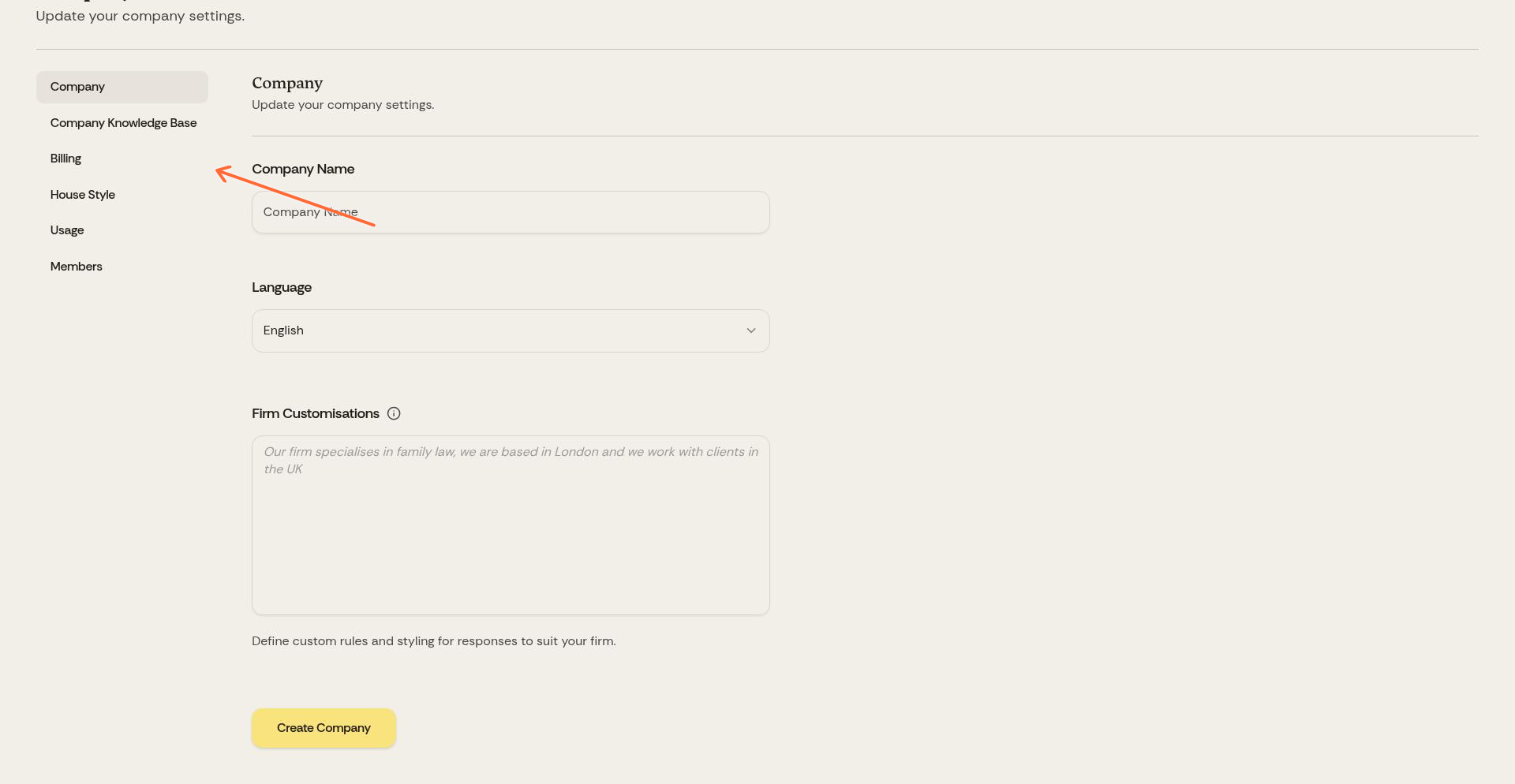
Click Company in the top navigation, then select Usage from the left sidebar.
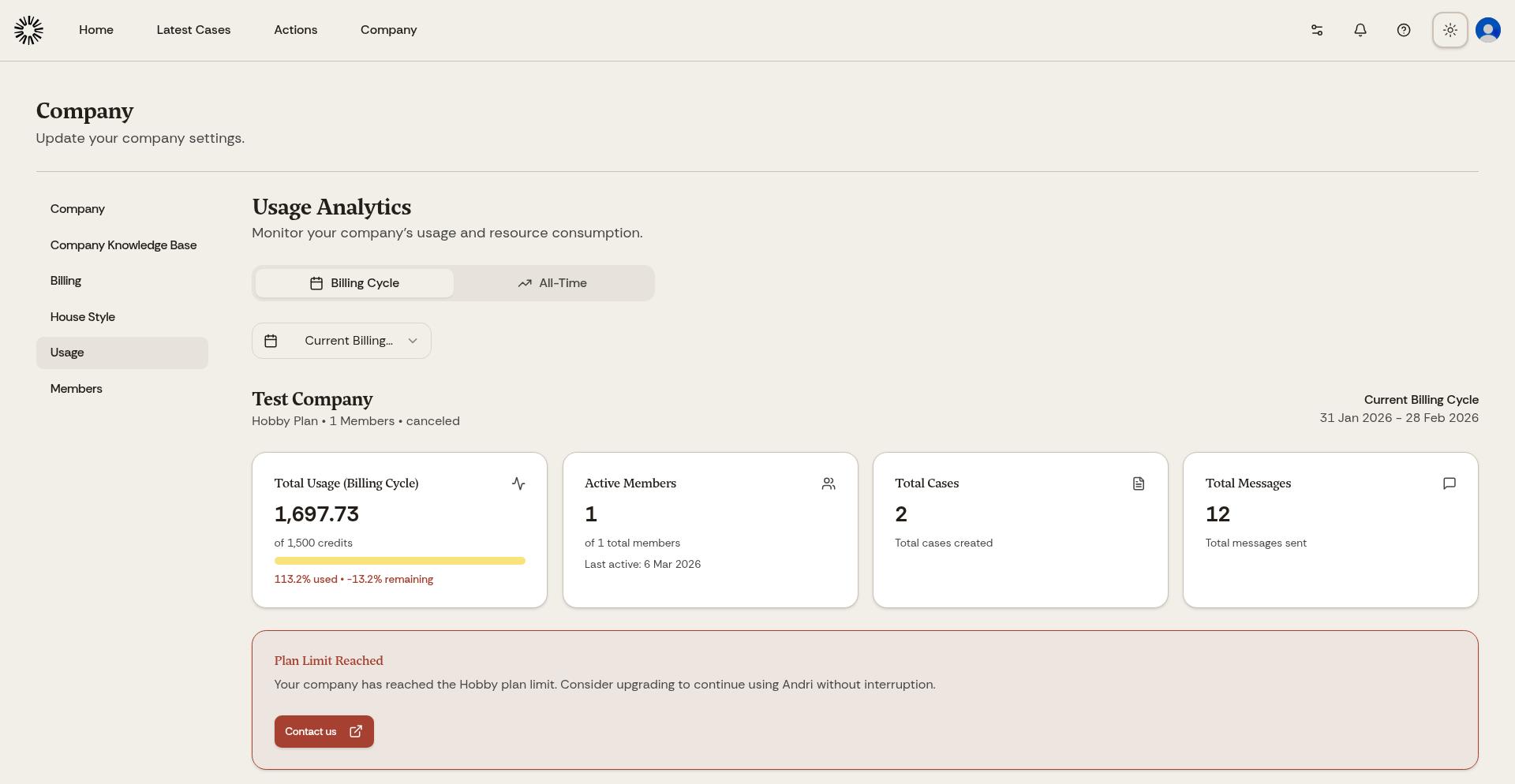
The Usage dashboard displays your firm's token consumption with charts and breakdowns.
Understanding Token Usage
Tokens represent the computational cost of AI operations. Every prompt, document analysis, file generation, and AI response consumes tokens. More complex requests use more tokens.
Your subscription includes a monthly token allocation. The Business subscription provides 120,000 tokens per month per Admin or Member seat. Token limits reset at the start of each billing cycle. Support-role members do not receive a seat allocation; they use support credits instead.
Planning and Knowledge modes consume more tokens but deliver deeper analysis. Fast mode uses fewer tokens for quicker results. Choose the mode that matches your task priority.
Usage Breakdown by User
The dashboard shows token consumption per team member. Review this to identify heavy users, understand usage patterns across your firm, spot opportunities for efficiency, and plan subscription adjustments based on actual usage.
Usage Breakdown by Case
See which cases consumed the most tokens. This helps allocate costs to clients, identify particularly complex matters, and understand which types of cases require the most AI assistance.
Usage Over Time
Charts show daily and monthly token consumption trends. Monitor these to predict future usage, identify unusual spikes that might indicate errors or inefficient prompting, and plan for seasonal variations in workload.
If you consistently approach or exceed your token limit, consider upgrading to a higher tier or purchasing additional token packs. Contact support for options.
Optimizing Token Usage
To use tokens efficiently, start with Fast mode for simple queries and switch to Planning or Knowledge mode only when needed. Use @ mentions to focus the AI on specific documents rather than searching your entire knowledge base. Break large requests into smaller, focused prompts. Review and refine prompts to be more specific, reducing unnecessary AI processing.
Running out of tokens pauses AI features until your next billing cycle or until you purchase additional tokens. Monitor usage regularly to avoid disruption.
Support Credits and the Support Role
The Credits section on the Billing page shows your firm's support credit balance. Support credits are a prepaid, firm-wide wallet that lets support-role members use chat and create case work product without taking up a seat. They are spent at twice the standard rate and never expire.
While a balance remains, support members can chat and create work product. When the wallet runs out, they can still read existing work but cannot create or edit until an admin tops it up.
Support credits are available on active Business plans. Any firm with 3 or more seats can use the support role on a 3:1 ratio. Contact Andri support to arrange a custom arrangement.