
Managing team members
The team management dashboard lets you invite colleagues, assign roles, and oversee all team member activity across your Andri workspace.
Before you begin: Only users with admin permissions can access team management and invite new members.
Accessing team management
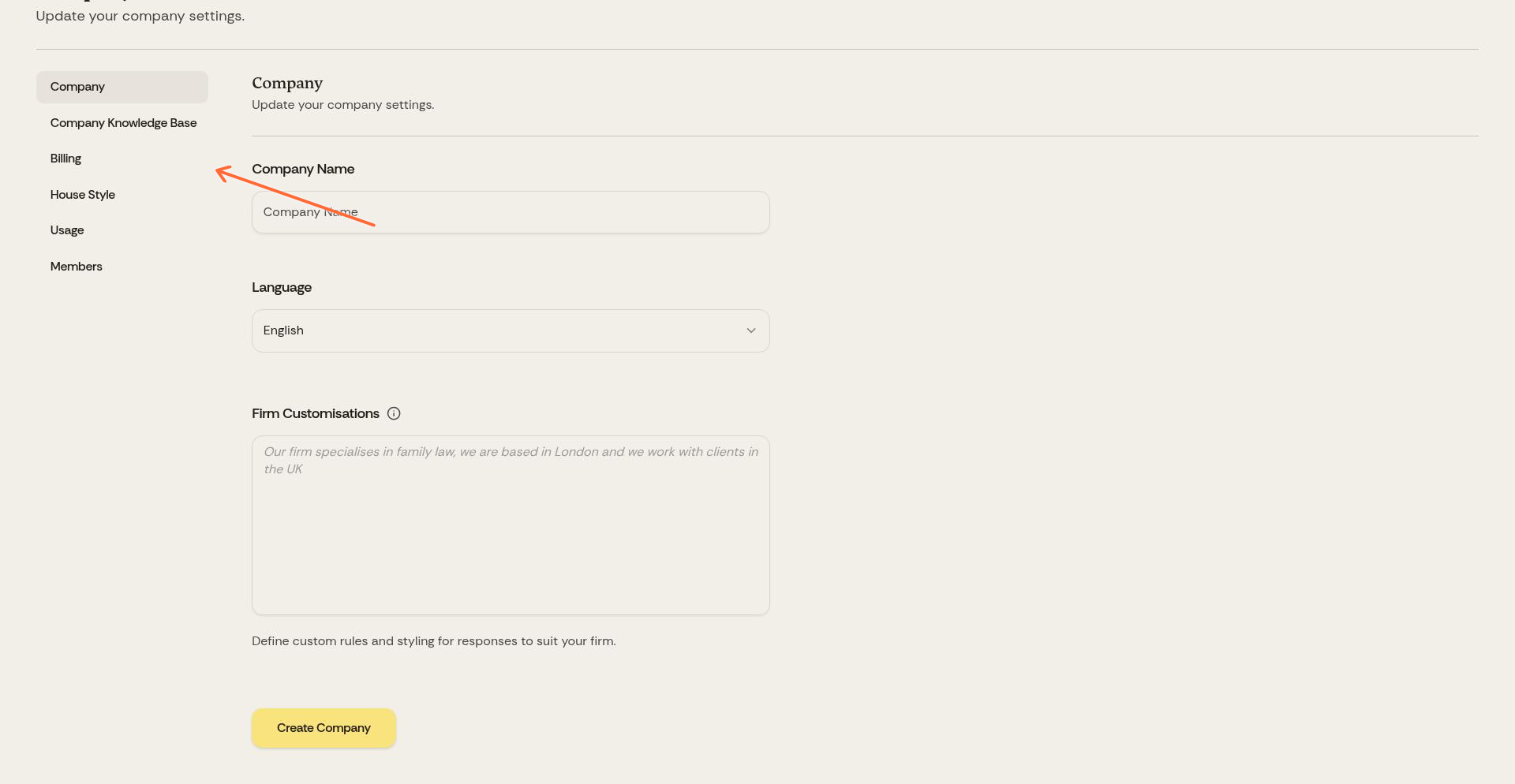
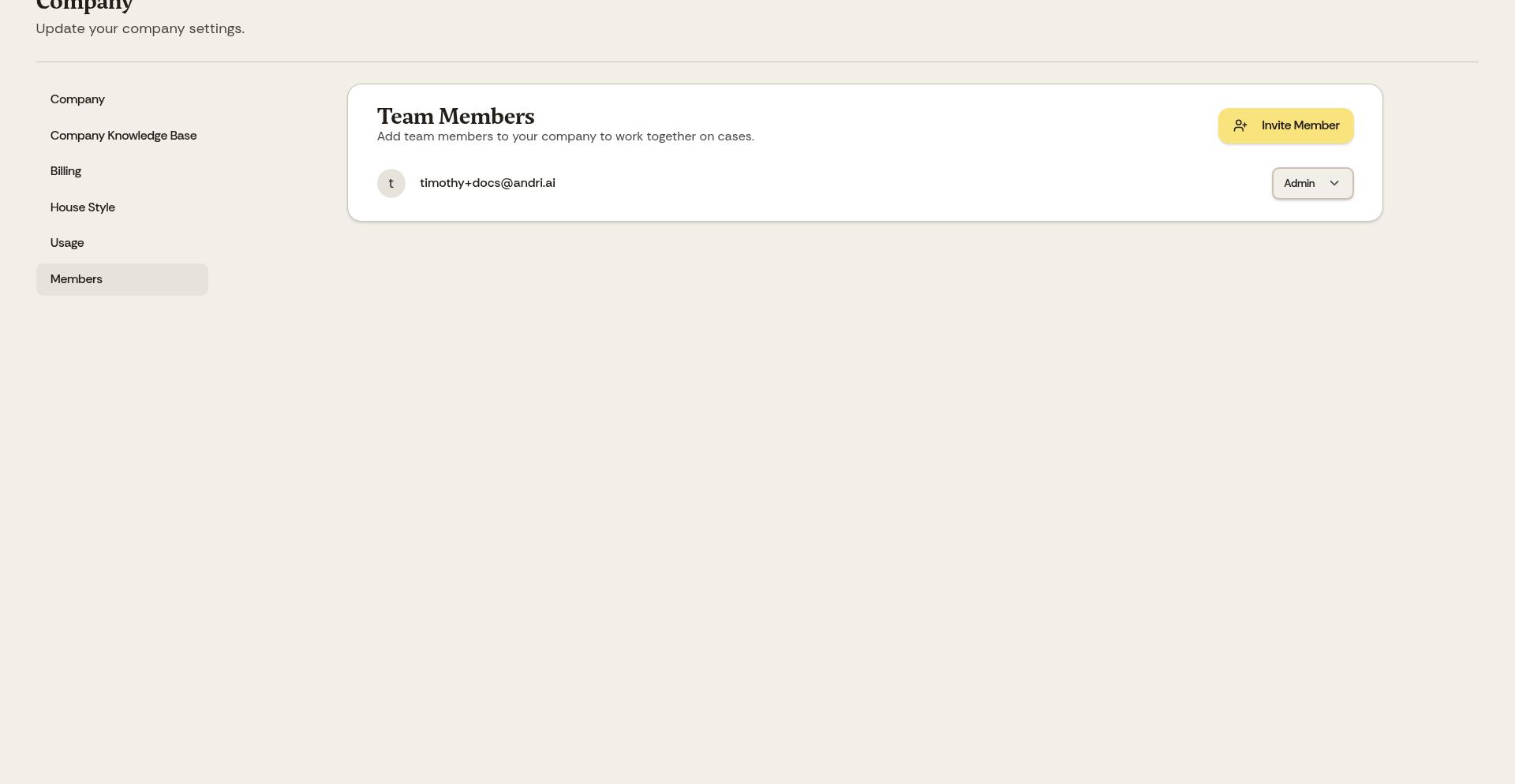
Click Company in the top navigation, then select Members from the left sidebar.
The Members page displays all team members with their roles, status, and activity.
User roles
Admin: Full access to company settings, billing, team management, and firm-wide configuration. Admins can invite and remove members and modify subscriptions. Access to an individual case still comes from case sharing, so being an admin does not open every case in the firm.
Member: Access to cases and core features including creating cases, uploading documents, using AI features, creating drafts and generating documents. Members cannot access billing, invite other users, or change company settings.
Support: Works like a Member for day-to-day case work, aimed at part-time helpers you do not want to give a full seat. Their AI usage is funded by the firm's prepaid support credits rather than a seat, and they cannot access billing, invite other users, or change company settings. While credits remain they can chat and create case work product; once the wallet is empty they can still read existing work but cannot create or edit it.
Roles and permissions in Andri sets the three roles out capability by capability.
Assign admin role only to partners or practice managers who need access to billing and firm-wide configuration. Most solicitors should be Members.
Inviting team members
Click Invite Member, then enter the colleague's email address and role (Admin, Member, or Support) in the Invite Team Member dialog. Click Invite Member again to send it.
The invitee receives an email with a link to join your Andri workspace. They'll create their account and immediately have access according to the role you assigned.
Support invitations need a free support seat. Every billable seat (Admin or Member) unlocks one Support seat, so a firm with four billable seats can have four support-role members.
Each new Admin or Member adds one seat to your subscription at €350, £300 or CHF 400 per seat per month excluding VAT, depending on your firm's region. Yearly subscriptions cost €3,780, £3,240 or CHF 4,000 per seat per year. Support-role members do not add a seat and instead use support credits.
Removing team members
To remove a team member, click the three-dot menu next to their name and select Remove. The member loses access immediately and the seat is released from your subscription straight away, with the difference prorated on your next invoice. Your subscription never drops below one billable seat.
Removal revokes every case share in both directions. The member loses access to cases shared with them, and colleagues lose access to the cases that member owned.
Hand over any case the firm still needs before you remove the member; a case that is not handed over stays only with that member's account. Only the owner can hand a case over, with Transfer ownership in the case menu. They choose an active colleague, type that colleague's email address to confirm, and complete two-factor verification, so the owner needs two-factor authentication set up first.
The transfer runs in the background and can take several minutes for a large case. It cannot start while documents in that case are still being processed, so wait for processing to finish. Connected integrations do not move with the case, and the new owner reconnects them.
Changing roles
To change a member's role between Admin, Member, and Support, click the three-dot menu and select Change Role. Switching between Admin and Member takes effect immediately.
Moving a member across the Support boundary in either direction locks their role for 30 days. We ask you to confirm before the change goes through, and the role cannot be changed again until the lock expires. Promoting someone to Support also requires a free support seat.
Your workspace must always have at least one admin. You cannot change the last admin to a member or support role.
Viewing team activity
Per-member activity lives on the Usage page rather than the Members page. Open Usage in your company settings to see each member's credit usage, matters, messages and last access for the current billing cycle.